
Appointments
Keep every chair booked.
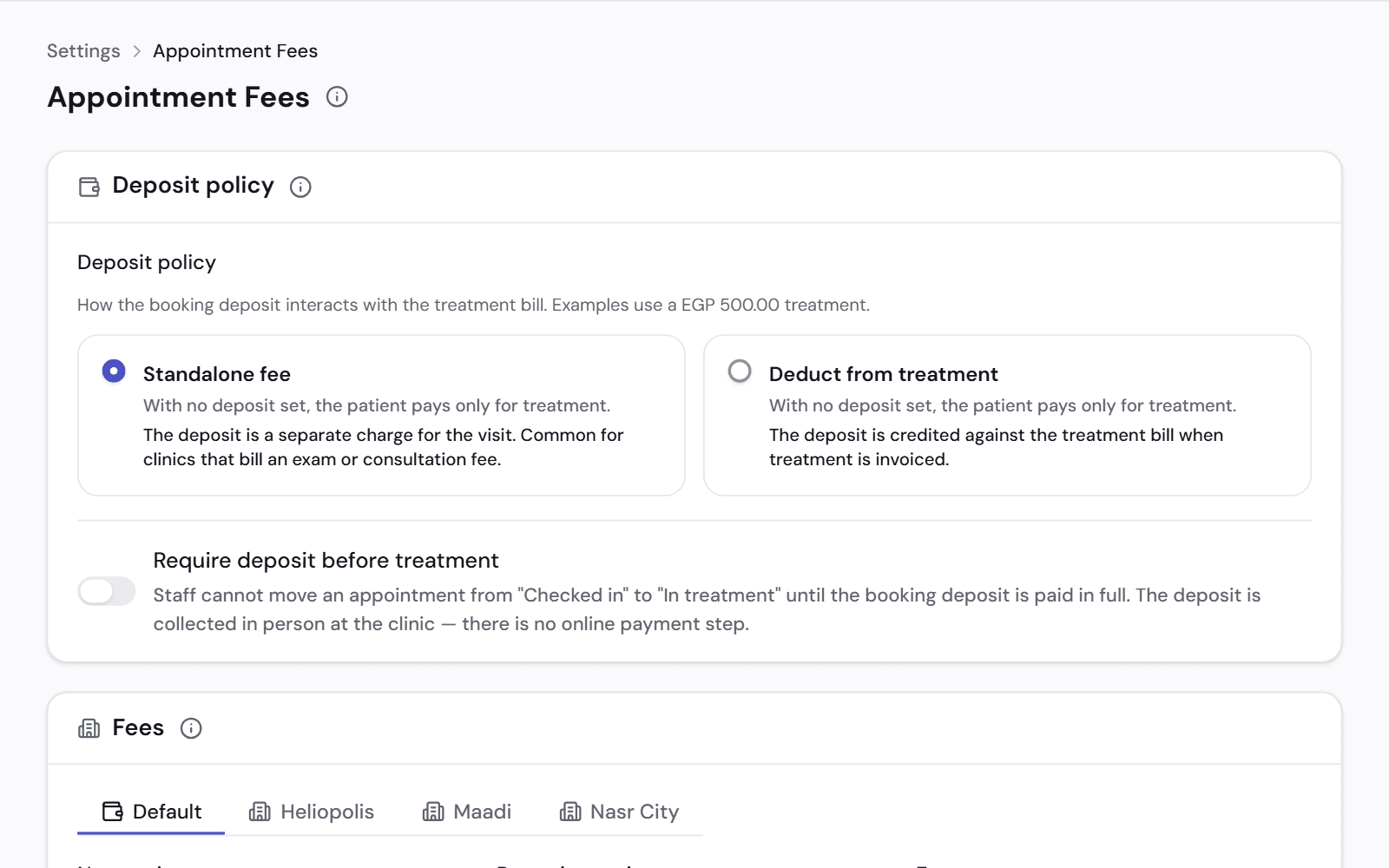
See the day by room and by dentist. Book, move or cancel an appointment in a few clicks.
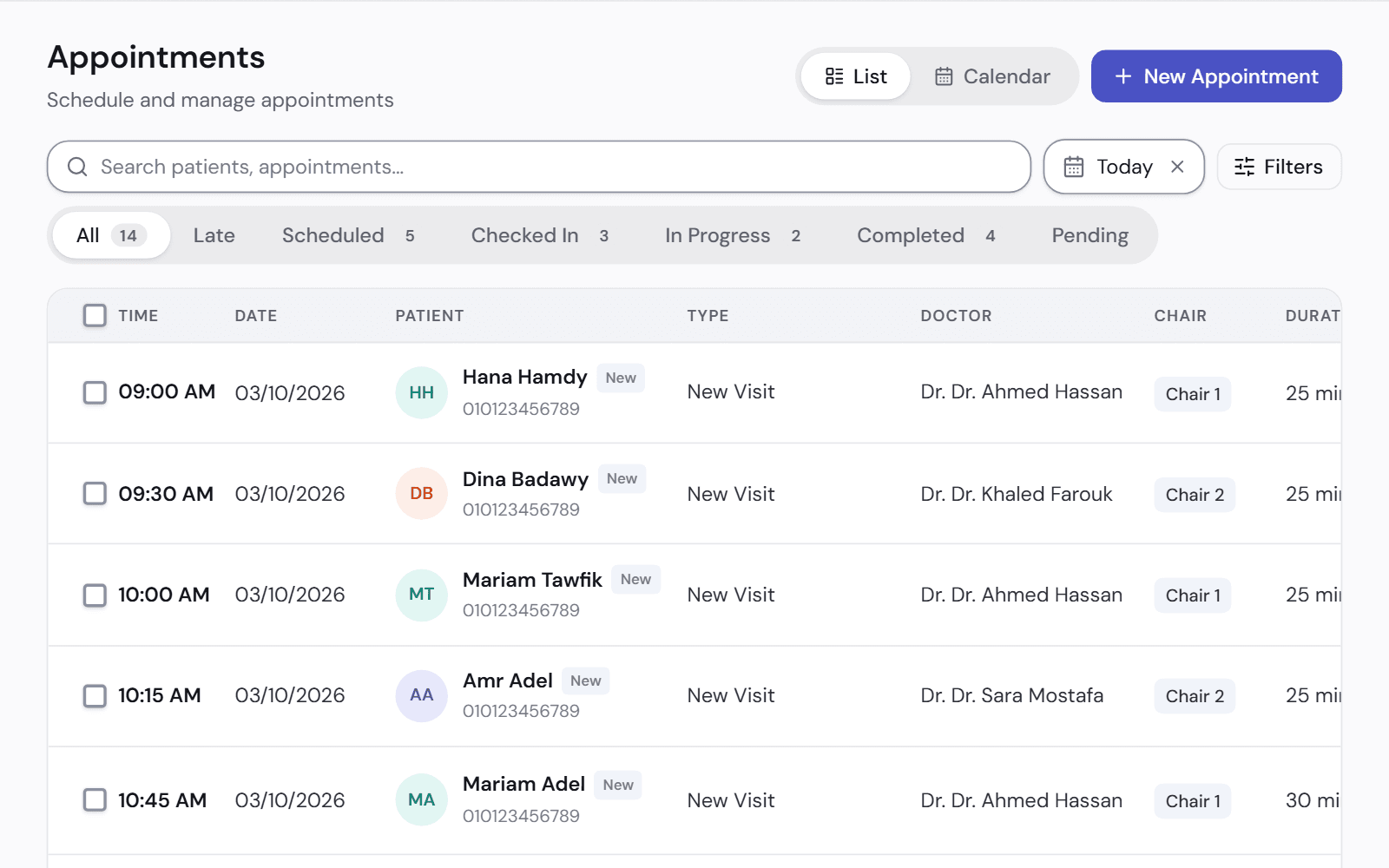
A calendar the front desk can trust
Each appointment has a room, a dentist and a status, so two patients are never booked into the same chair.
- Drag an appointment to reschedule it
- It tells you when the dentist or the room is already booked
- It follows each branch's working hours and holidays
- Online requests go onto the same calendar once accepted
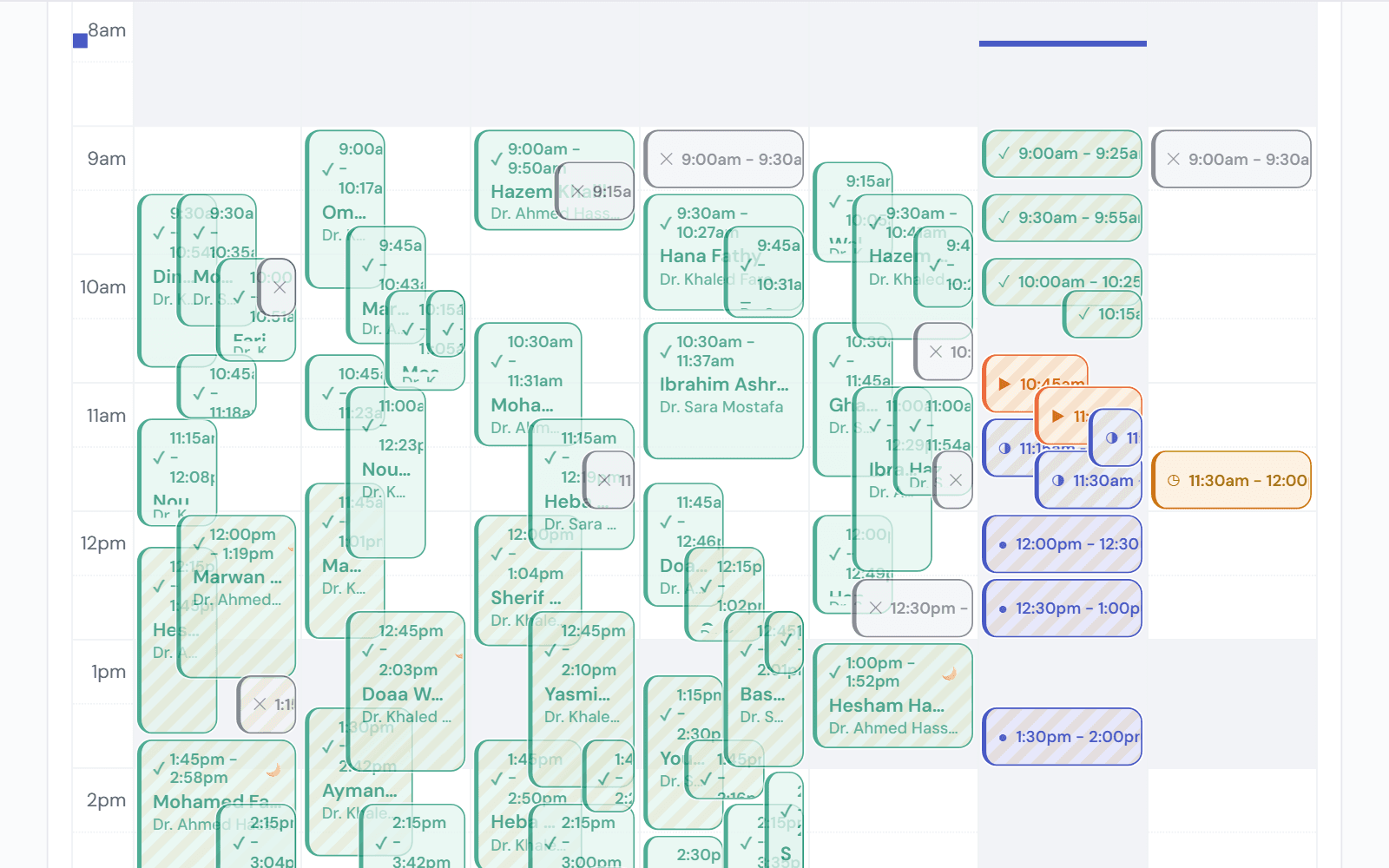
Requests, waitlist and recalls
A cancelled appointment is an empty chair. These three lists give the front desk someone to book in.
- Online requests wait for someone to accept them
- Waitlist: patients who want a slot on a full day
- Recalls: patients due for a periodic visit
- Tomorrow's unconfirmed bookings, with the number to call
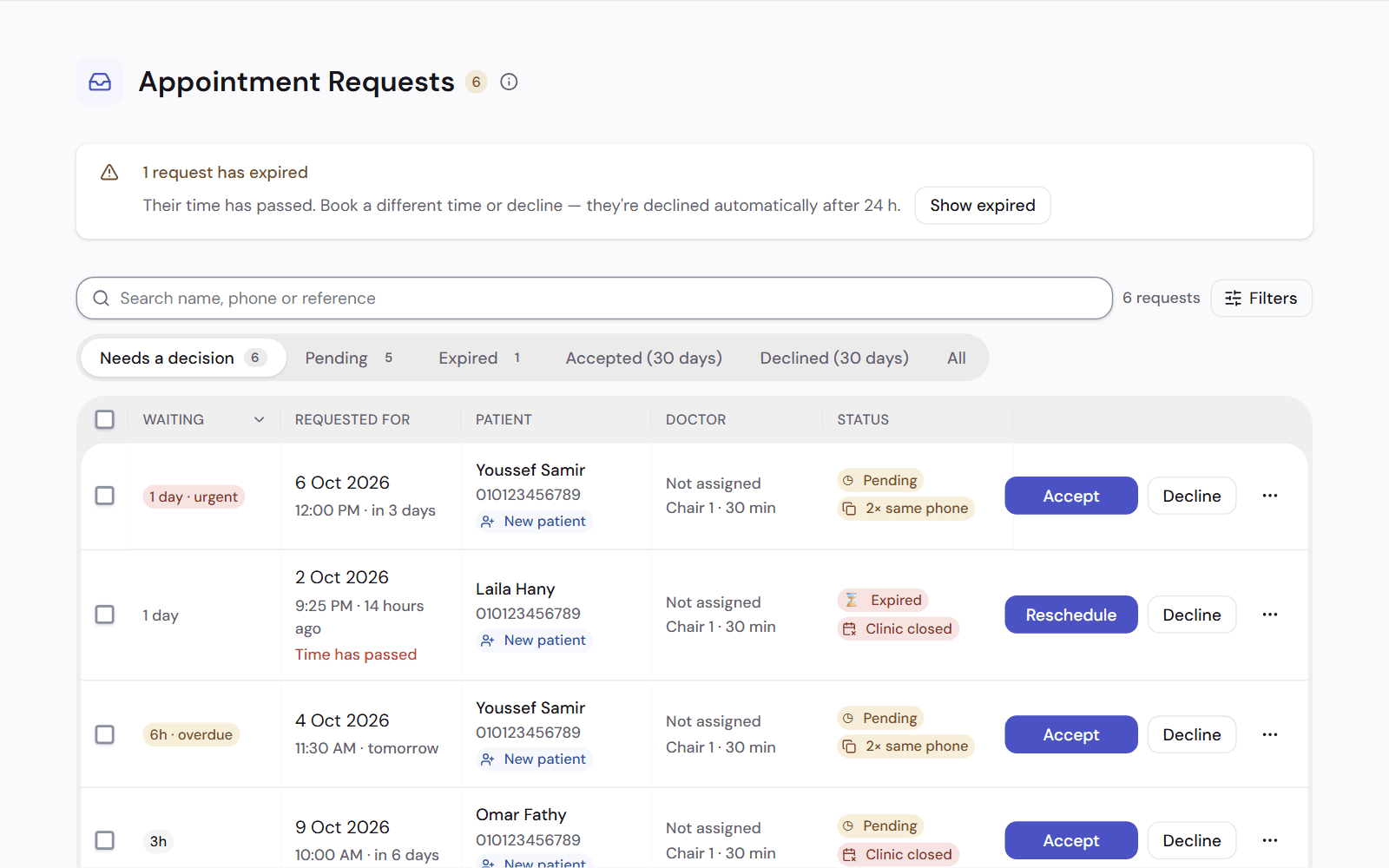
Fewer no-shows
Take a booking deposit if you want one, and see which patients tend to miss their appointments.
- A visit can't start until the deposit is paid, if you turn that on
- If the clinic cancels, the patient gets a refund or a credit
- Each patient has a no-show rate on their file
Works with
Queue and waiting room
Check patients in, see who is waiting and for how long, and call the next one.
See how it worksOnline booking
Patients book from their phone, by time or by turn. Your front desk accepts each request.
See how it worksLoyalty and offers
Reward patients who come back, and run offers on your treatments.
See how it works
See it on a clinic like yours.
A 30-minute video call, in Arabic or English, on a demo clinic full of data.