
Online booking
Patients book from their phone.
Your clinic gets its own booking link. Share it on WhatsApp or Instagram, and patients book without calling.
By time, or by turn
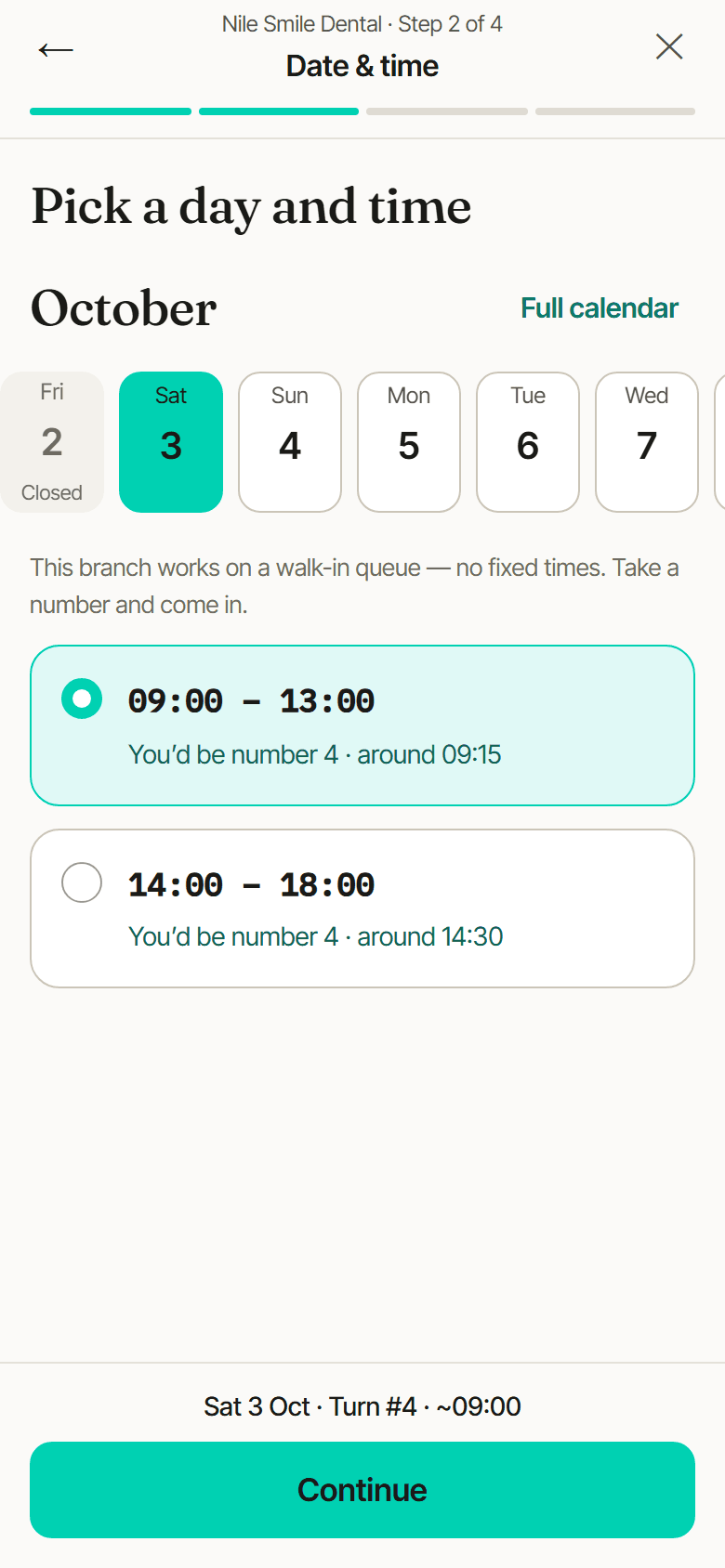
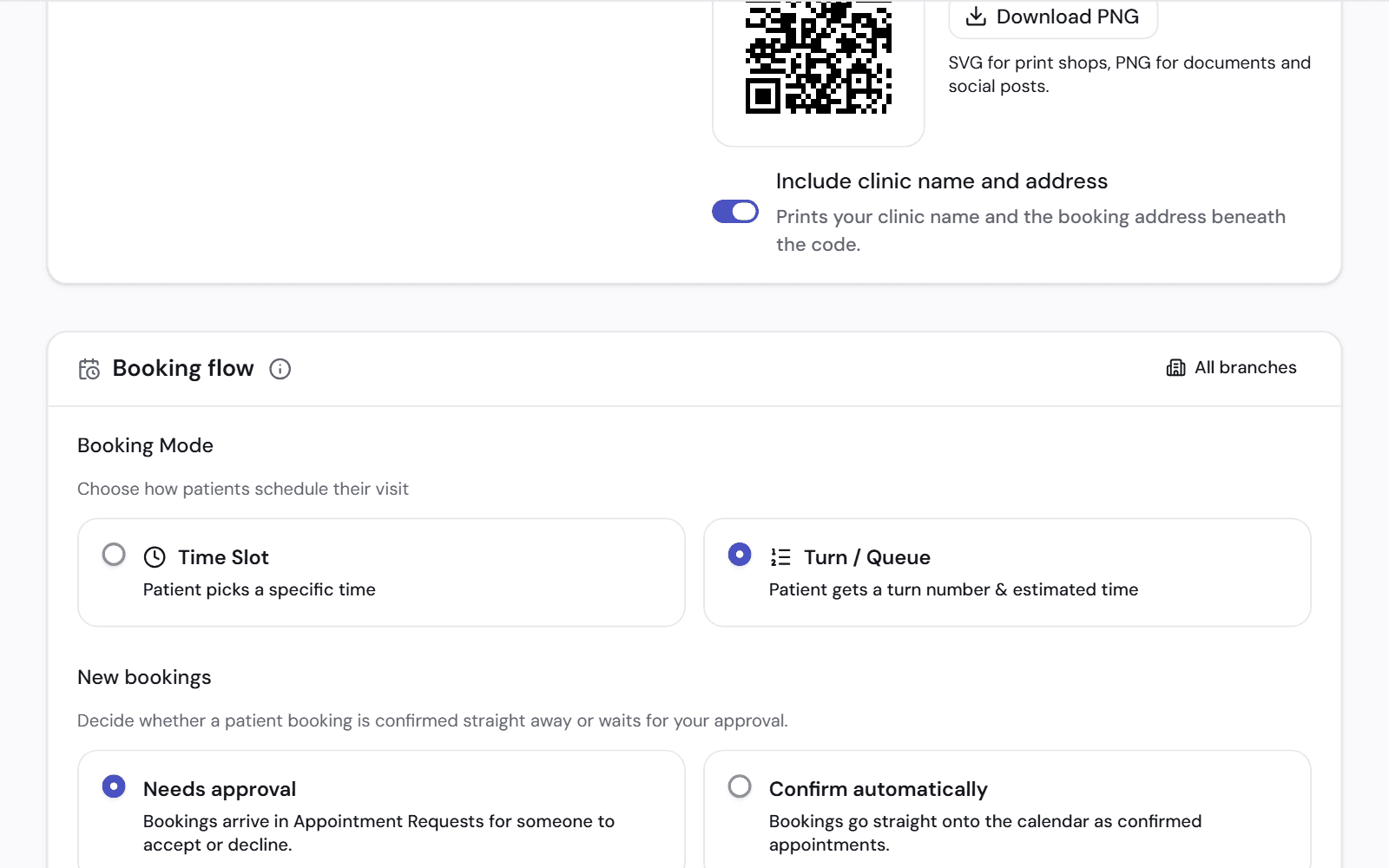
Some clinics book fixed times. Others work on a walk-in queue. Each branch chooses, and the booking page follows.
This branch works on a walk-in queue — no fixed times. Take a number and come in.
- The patient picks a branch, then a time or a turn
- With turns, the patient sees the turn number and an estimated time before confirming
- In Arabic and English
- Under your clinic's name, on your own web address if you want
Nothing is booked without you knowing
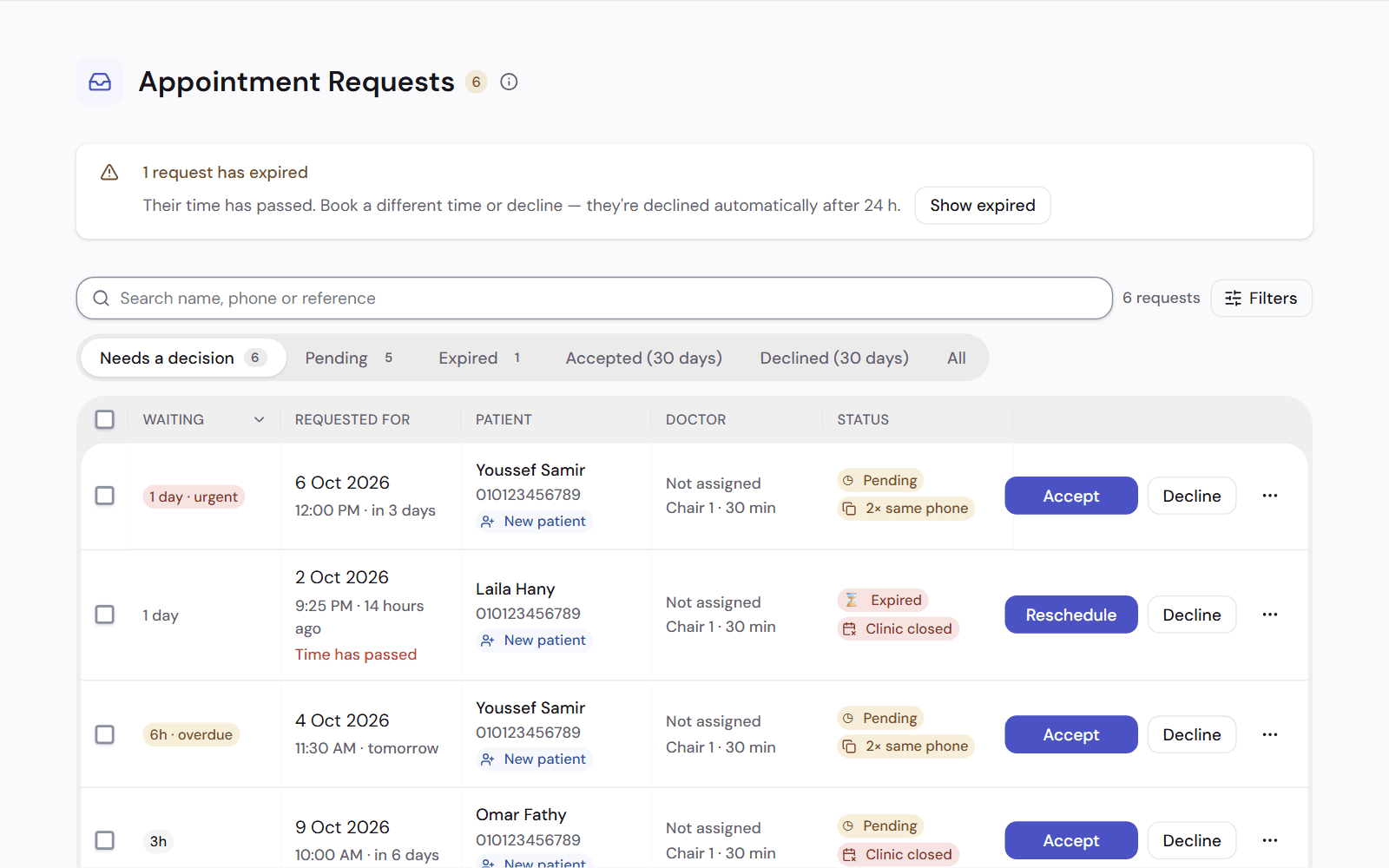
Online requests wait until someone at the front desk accepts them. You can also let them go straight onto the calendar.
- Accept or decline each request
- It tells you when the time clashes with another booking
- A request that has waited too long goes to the top
- The patient follows the request on a status page
It comes with a page for your clinic
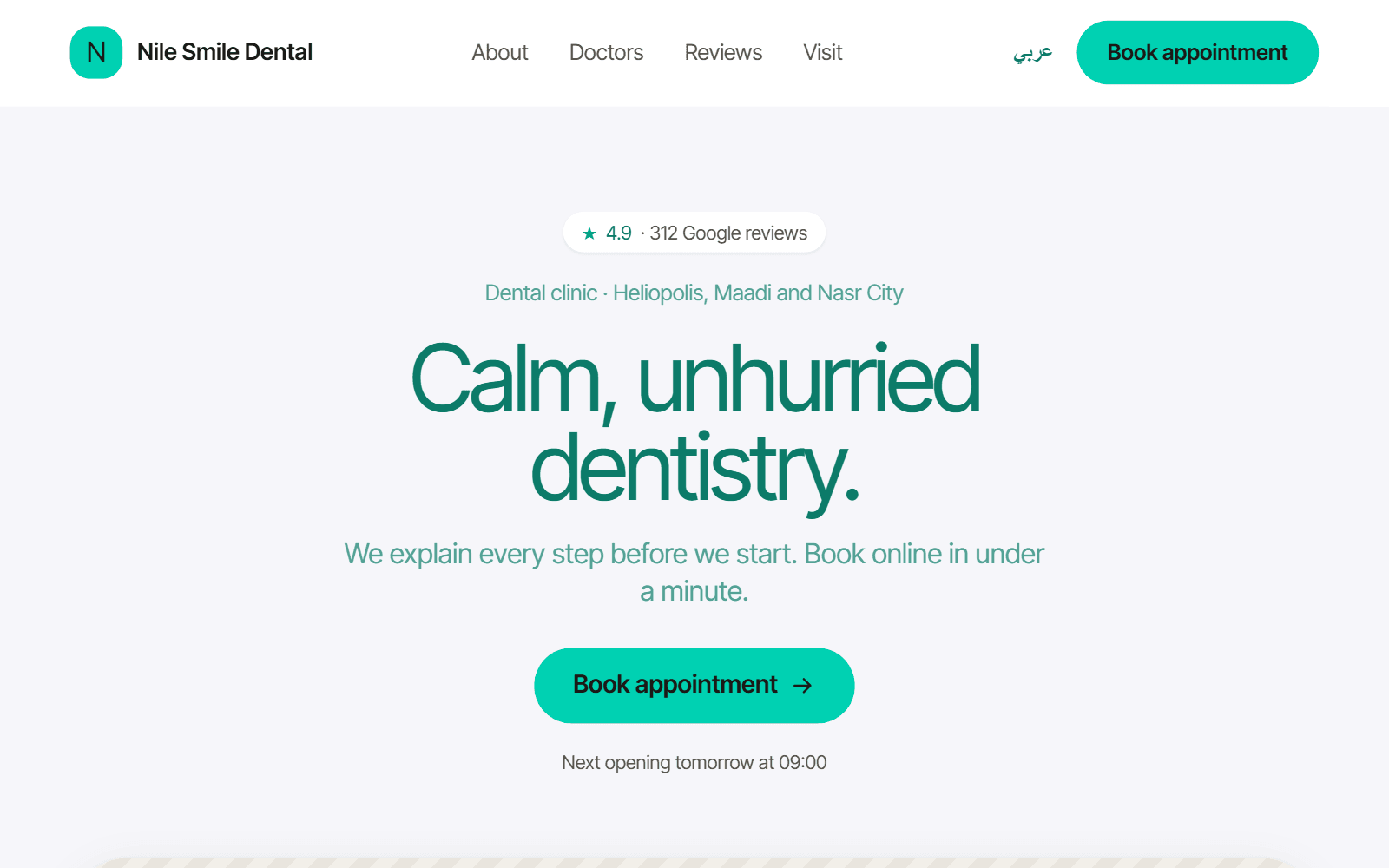
The booking link sits on your clinic's own web page, where patients see your work before they book.
- Your cases, your team and your opening hours
- One button takes the patient to booking
Works with
Clinic web page
A web page where patients find your clinic, see your cases and book.
See how it worksAppointments
A calendar for every room and dentist, with a waitlist and recalls.
See how it worksQueue and waiting room
Check patients in, see who is waiting and for how long, and call the next one.
See how it works
See it on a clinic like yours.
A 30-minute video call, in Arabic or English, on a demo clinic full of data.