
Data import
Don't start from zero.
Upload the Excel sheet you already have. No template to fill in, and nothing is saved until you say so.
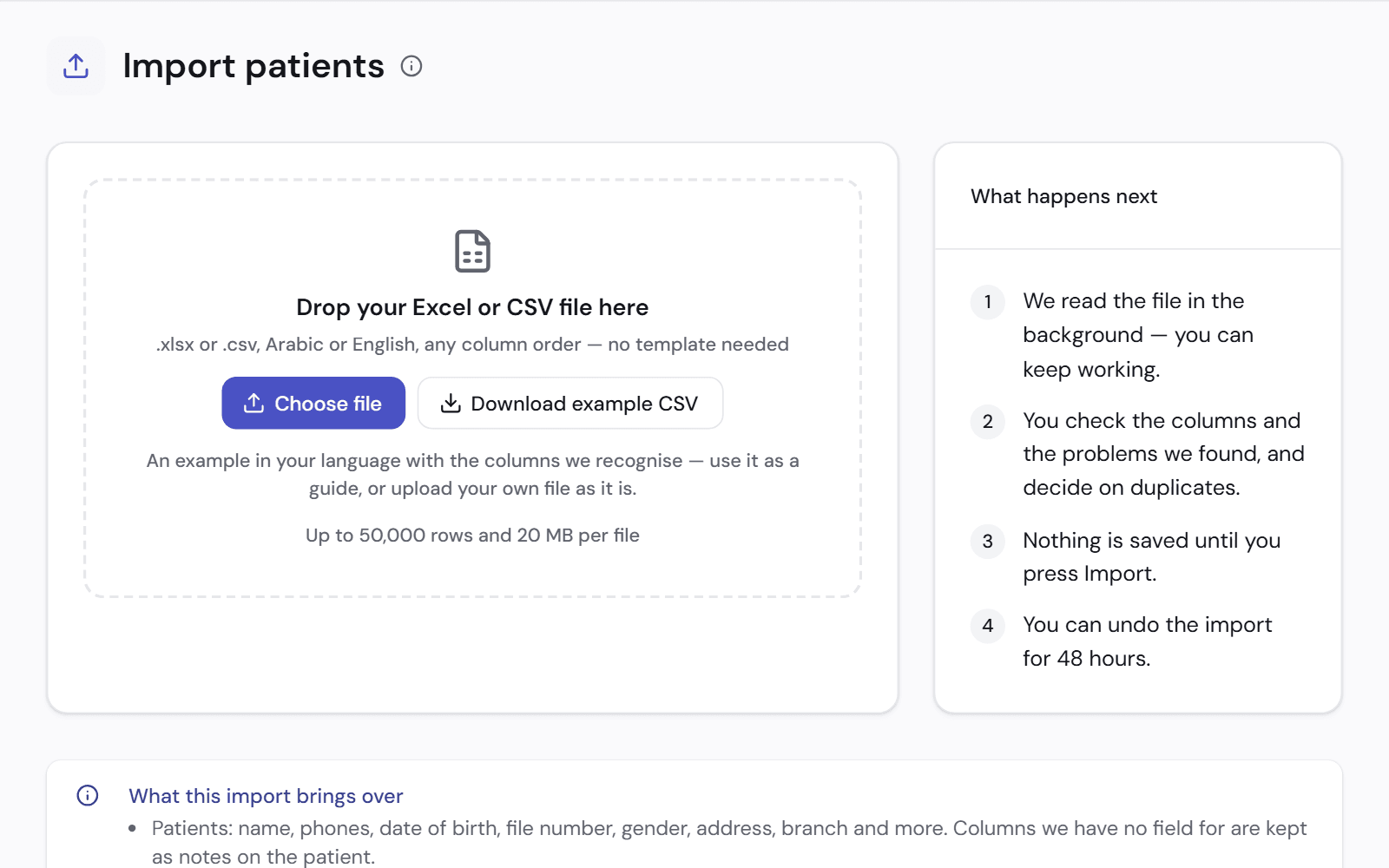
Your file, as it is
An Excel or CSV file, in Arabic or English, with the columns in any order.
- Patients: name, phones, date of birth, file number, address and more
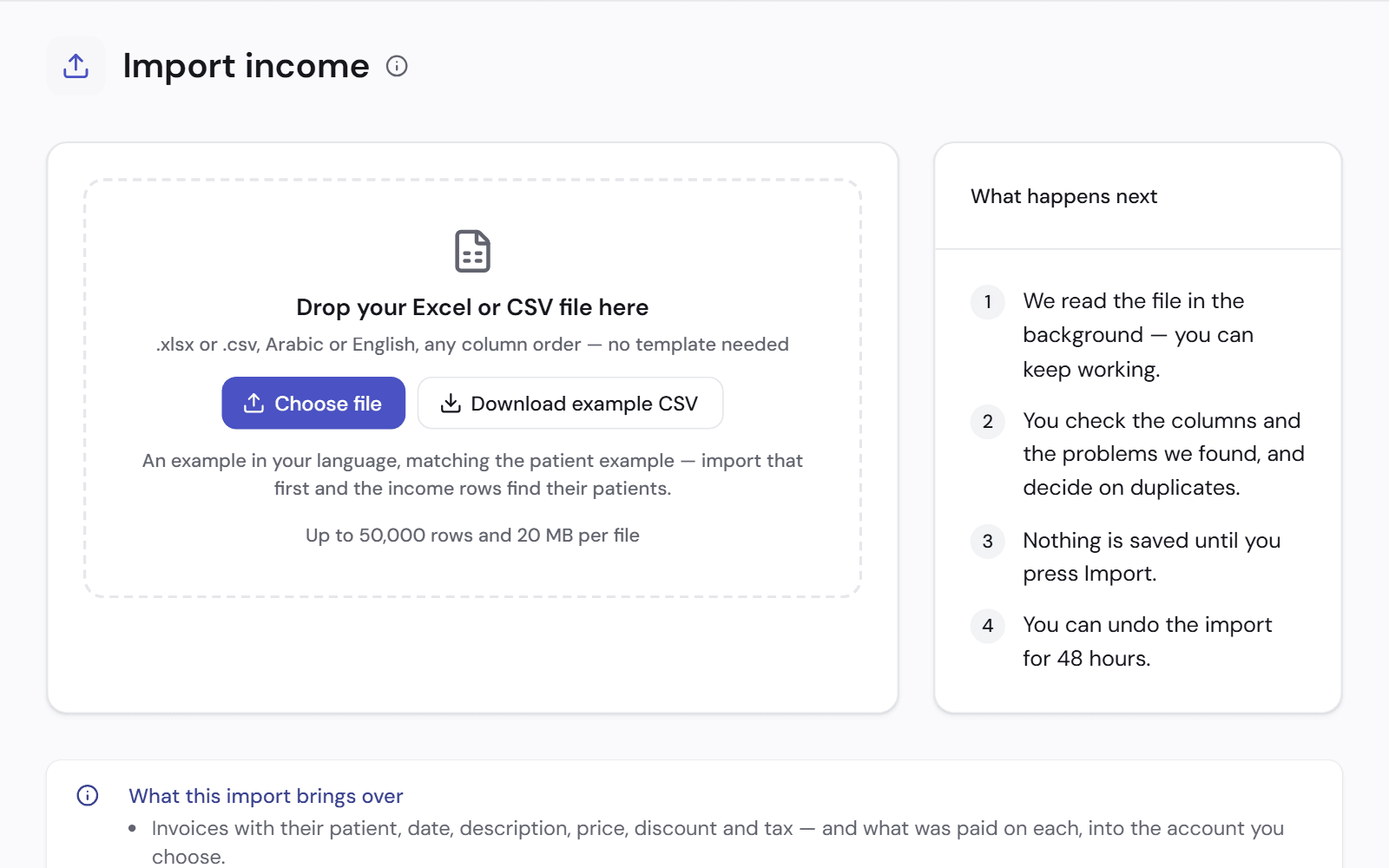
- Income: invoices and what was paid on each
- Expenses: rent, bills, salaries, lab and more
- Columns with no matching field are kept as notes, not lost
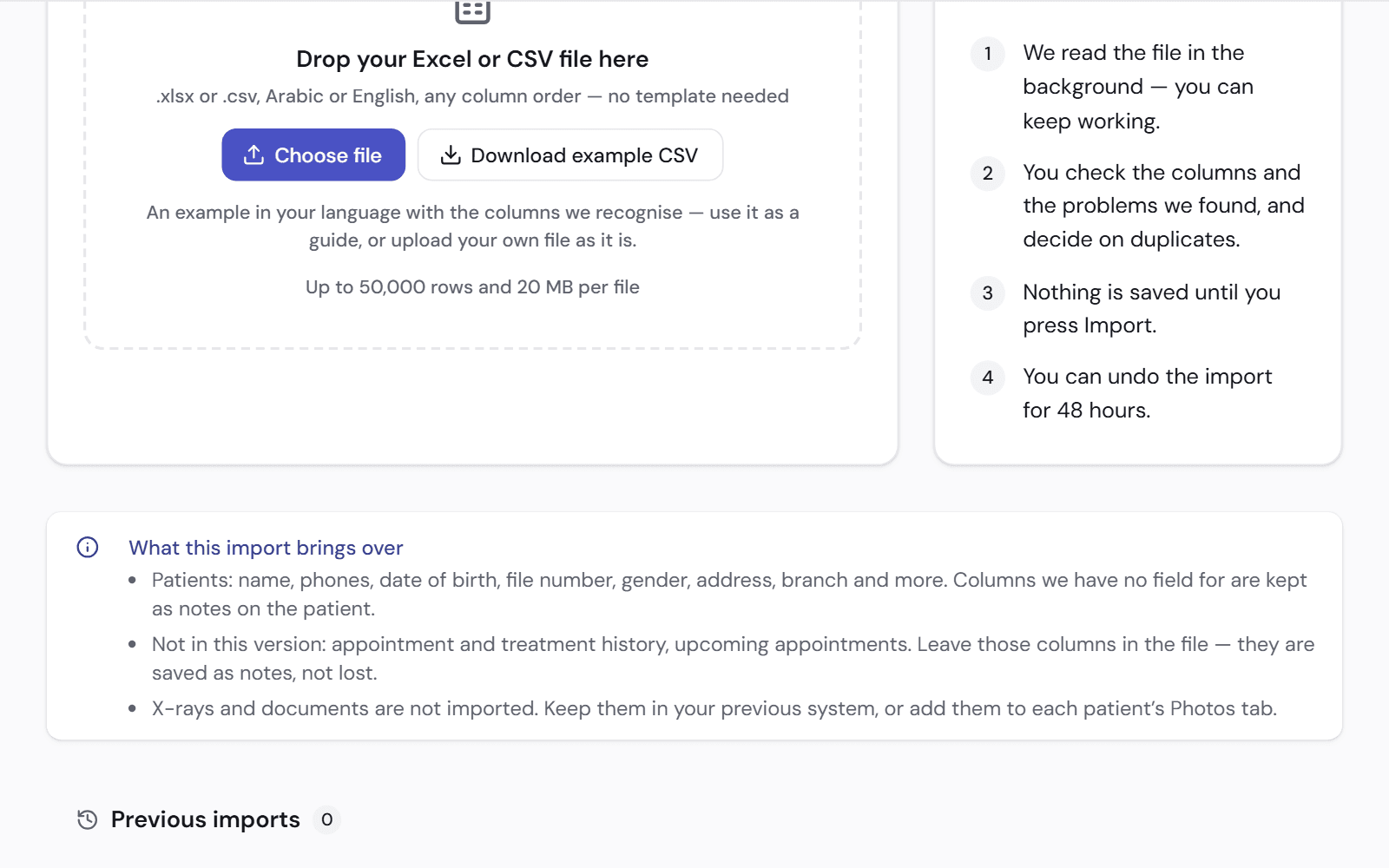
You check before anything is saved
The file is read in the background while you keep working. Then you see what was found.
Nothing is saved until you press Import.
- Check the columns and the problems found
- Decide what to do with duplicates
- Undo the import for 48 hours afterwards
What is not imported
It is better to know this before you start.
- Past appointments and treatments are saved as notes on the patient, not as visits
- X-rays and documents are added to each patient's Photos tab by hand
- Import patients first, so the income rows find their patients
- We help you with your first import
Works with
Patient file
Medical history, treatment plans, images and payments in one file for each patient.
See how it worksFinance and accounts
What you earned, what you collected and what you are owed, in plain words.
See how it worksTeam and permissions
Decide what each role can see, and see who changed what.
See how it works
See it on a clinic like yours.
A 30-minute video call, in Arabic or English, on a demo clinic full of data.