
Branches and currencies
Every branch in one account.
Switch between branches, or look at all of them together. Each branch can work in its own currency.
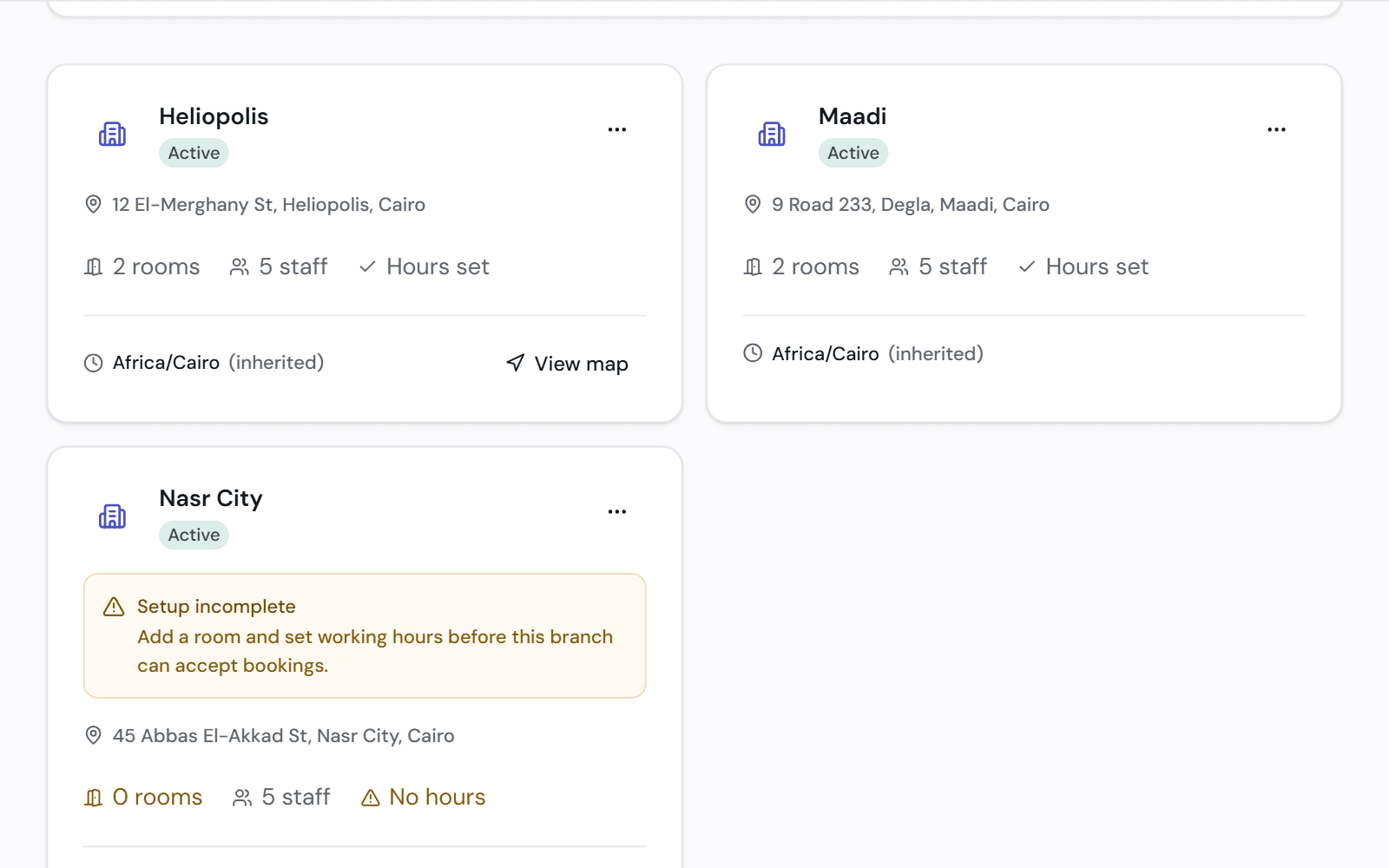
Each branch runs its own way
A branch is set up once and then works on its own.
- Its own rooms, working hours and holidays
- Appointments or a walk-in queue
- Its own stock and its own team
- Patients choose the branch when they book online
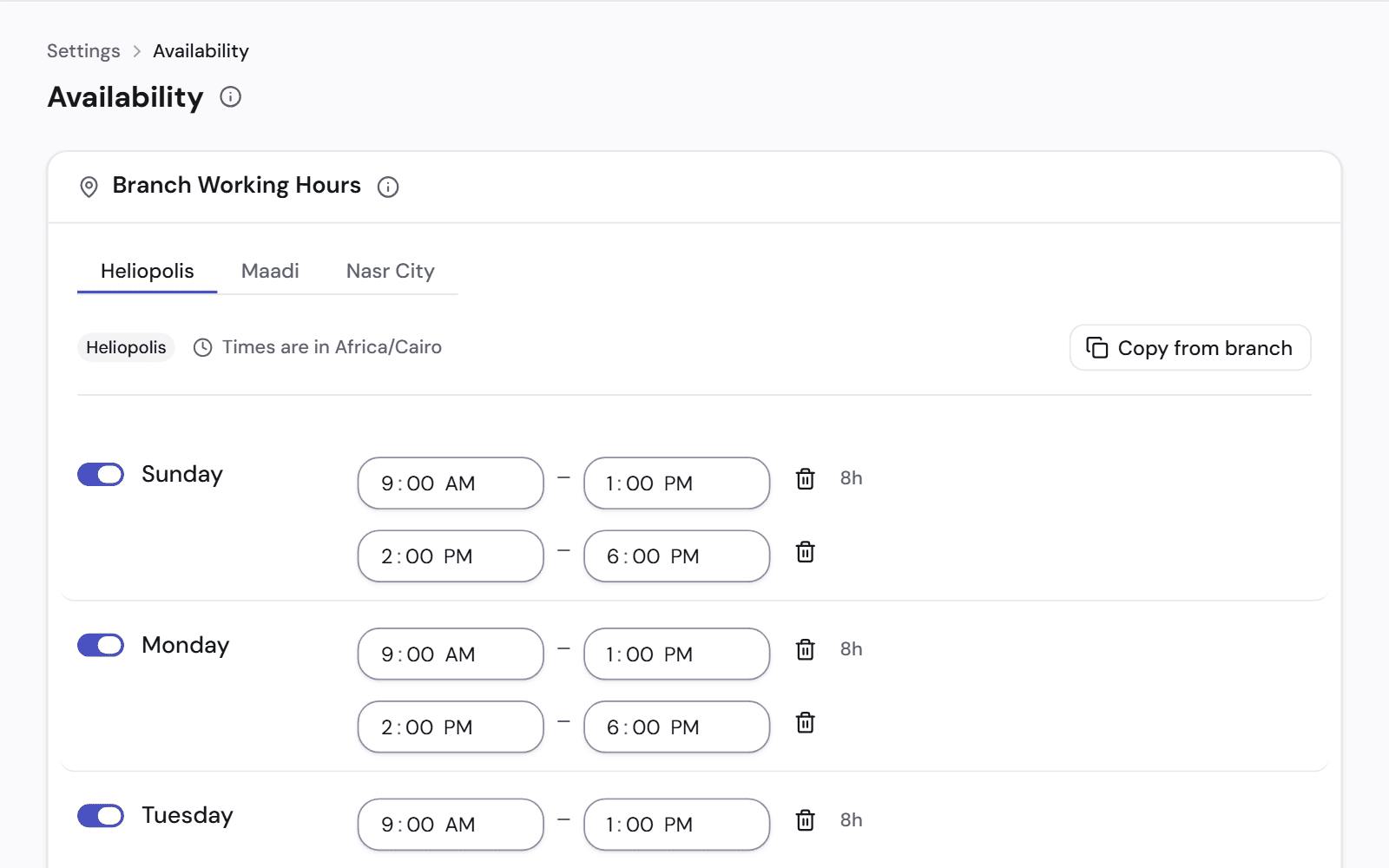
More than one currency
A branch records everything in one currency. The clinic's totals are converted into your main currency at a stated rate.
Rates are never edited or deleted. A new rate applies from now on; a figure already recorded keeps its original rate.
- Rates are fetched once a day, or you enter your own
- An amount already recorded keeps the rate of its day
- Converted totals show the rate and its date
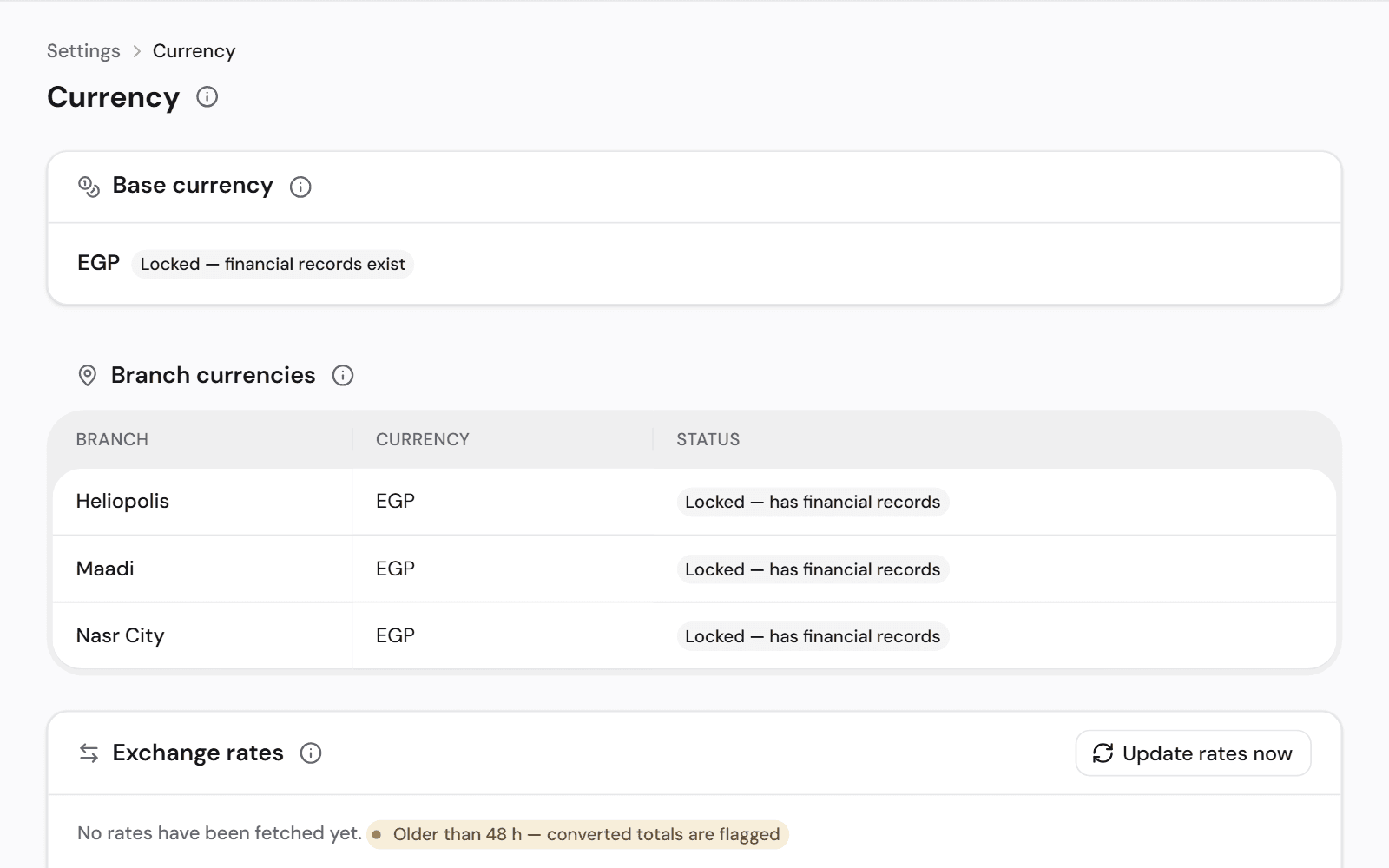
Compare your branches
Reports can be read for one branch or for the whole clinic.
- Profit and loss by branch
- Stock value at each branch
- Chair use and appointments by branch
Works with
Team and permissions
Decide what each role can see, and see who changed what.
See how it worksFinance and accounts
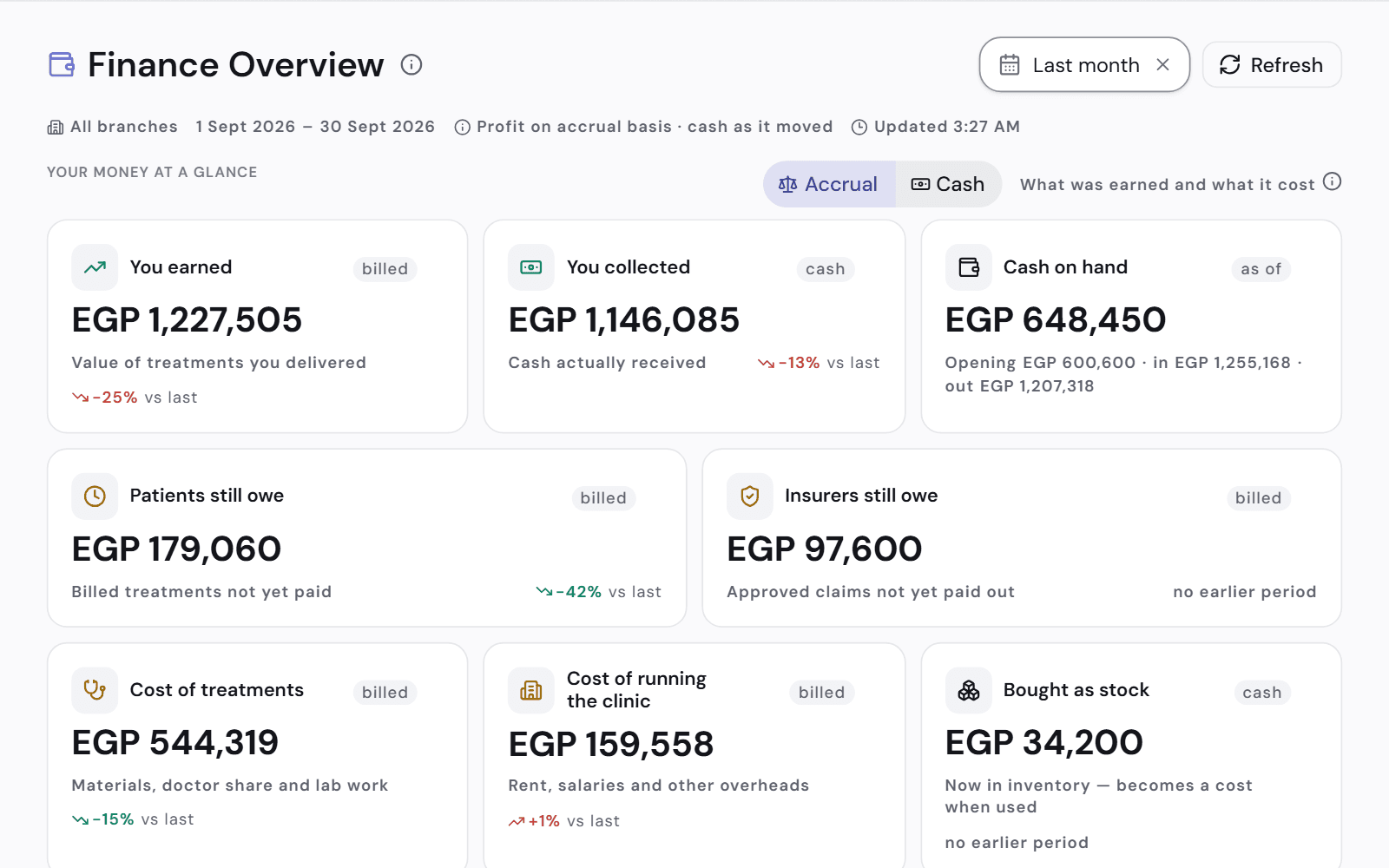
What you earned, what you collected and what you are owed, in plain words.
See how it worksInventory
Materials come out of stock when the treatment is recorded. Know what to reorder.
See how it works
See it on a clinic like yours.
A 30-minute video call, in Arabic or English, on a demo clinic full of data.