
Dental chart
Record the treatment on the tooth.
Click a tooth and add what you found or what you did. The chart, the procedure and the patient's allergies are on one screen.
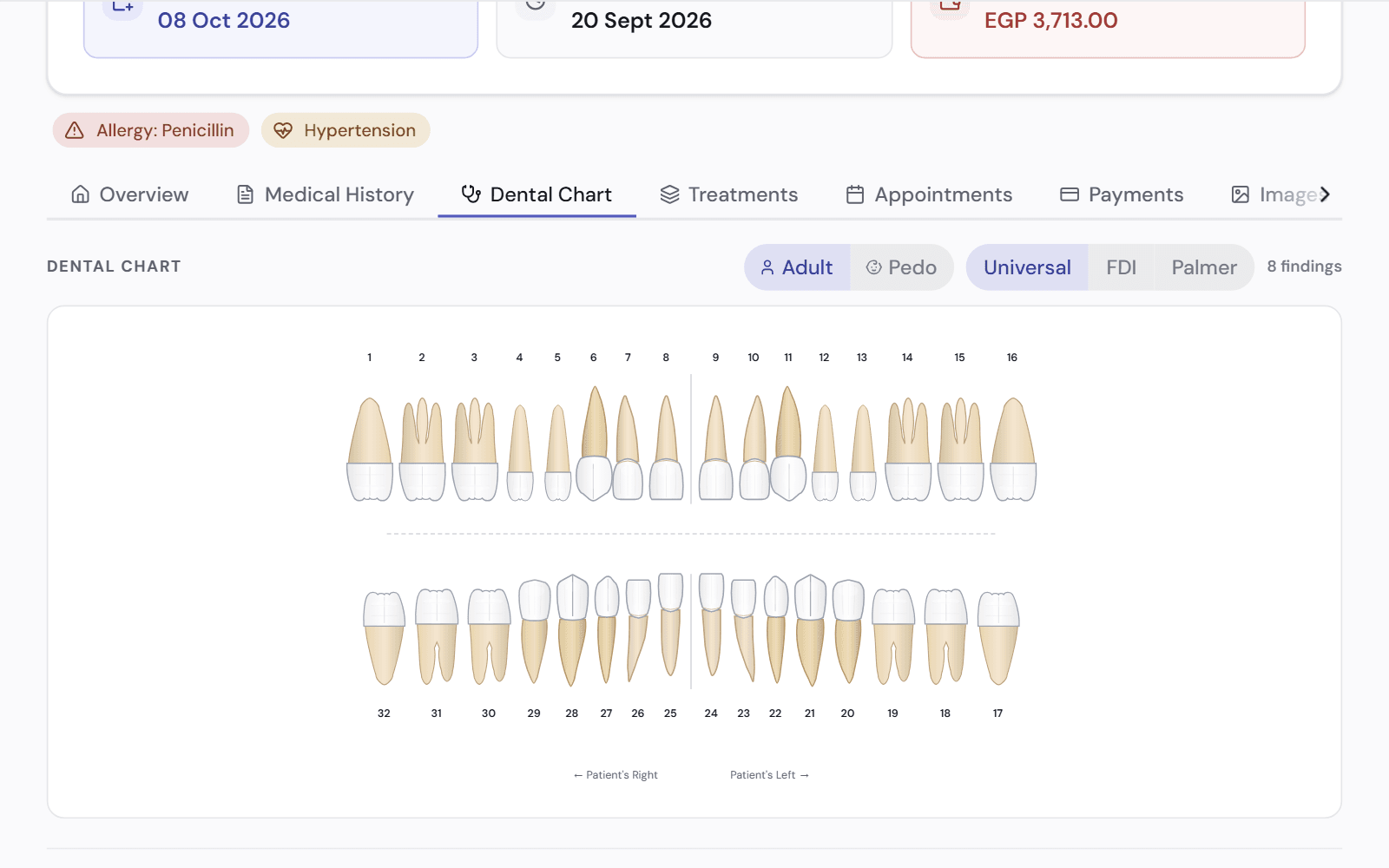
A chart that matches how you work
Every tooth shows its findings and its treatments, so you see the whole mouth before you start.
- Findings and procedures on each tooth
- Adult and children's teeth
- FDI, Universal or Palmer numbering
- Clinical colours stay the same whatever your clinic's brand colour
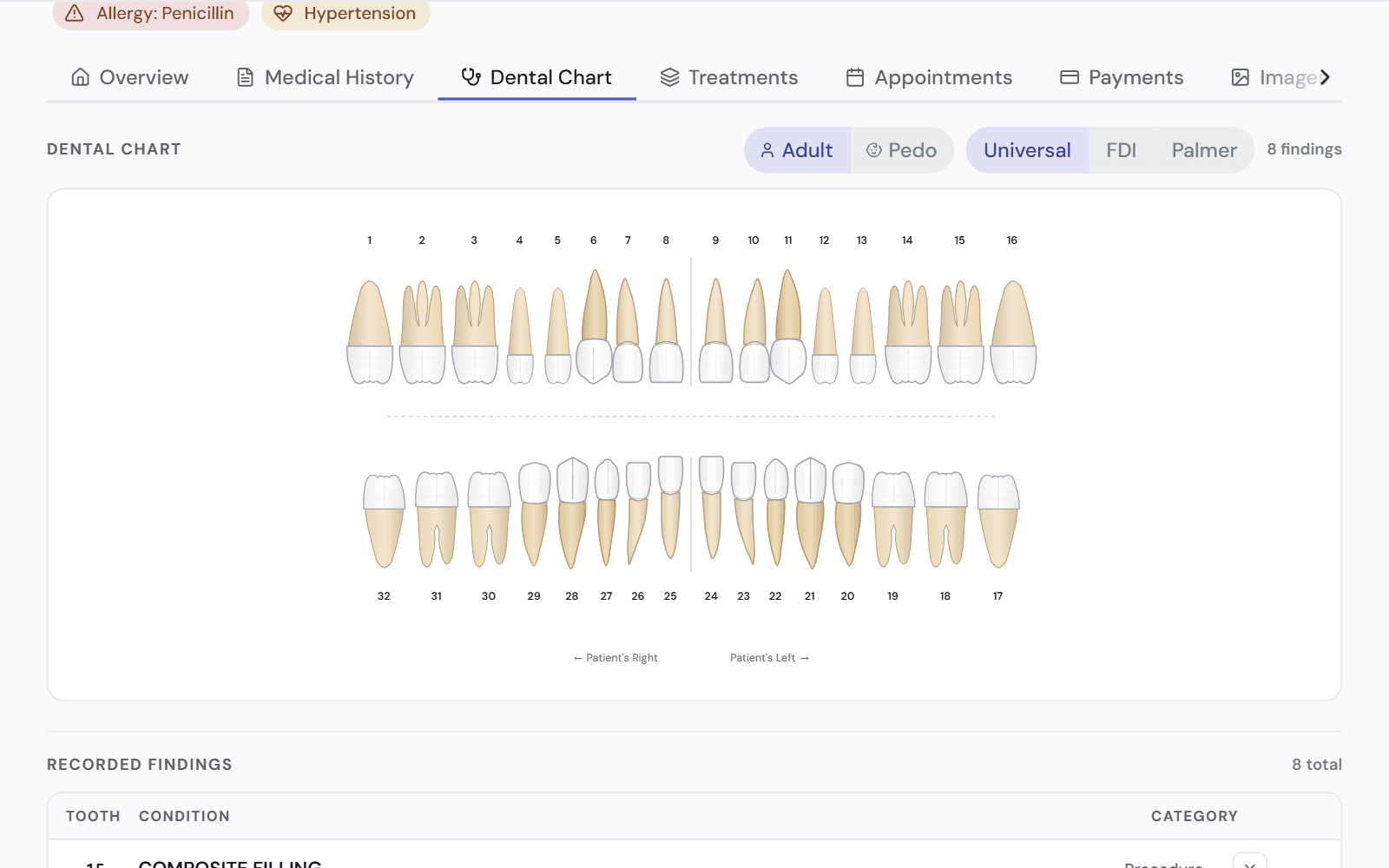
Allergies and medical alerts stay in view
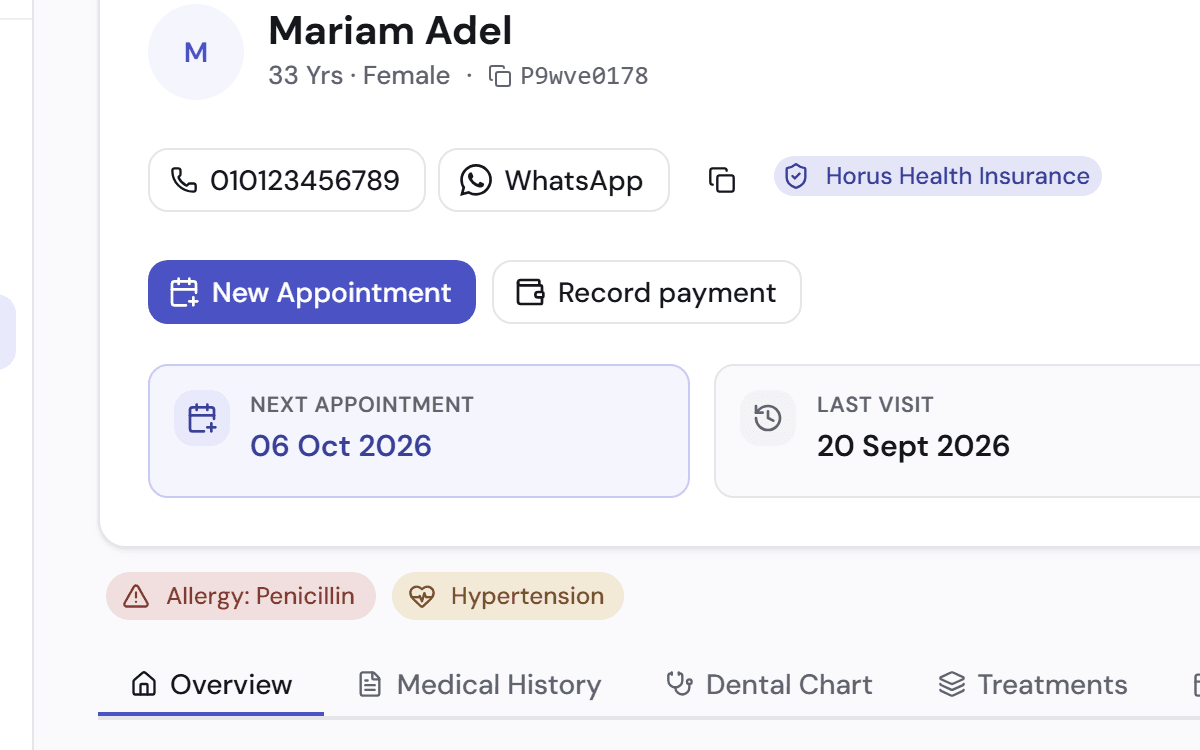
The patient's allergy and medical flags sit above the chart, so nobody has to open another page to check.
- Allergy flags, such as penicillin
- Medical conditions, such as high blood pressure
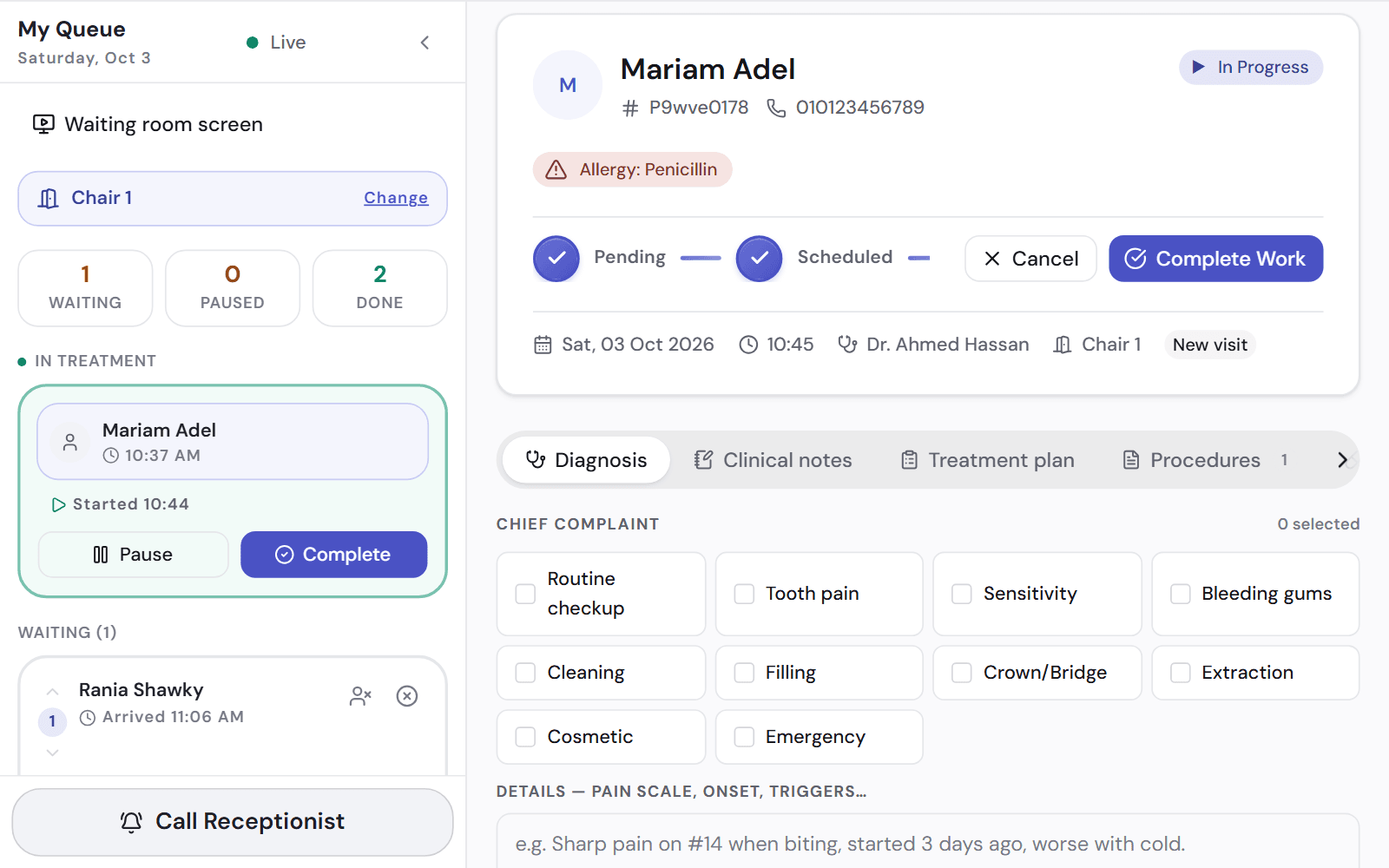
- The same flags show on today's appointment list
Record it once
The procedure you record on the tooth is the same one that is billed, costed and paid for. Nobody types it again.
- The invoice uses the procedure you recorded
- The materials used come out of stock
- A lab case opens from the procedure, with the tooth and the shade
- The dentist's commission is recorded
Works with
Patient file
Medical history, treatment plans, images and payments in one file for each patient.
See how it worksPrescriptions
Write a prescription from a template. It is checked against the patient's allergies.
See how it worksConsent forms
The patient signs on a tablet or their phone, and the signed form stays on their file.
See how it works
See it on a clinic like yours.
A 30-minute video call, in Arabic or English, on a demo clinic full of data.