
Inventory
Stock that updates itself.
Each procedure has its usual materials. When the dentist completes it, they come out of stock, at the price you paid for them.
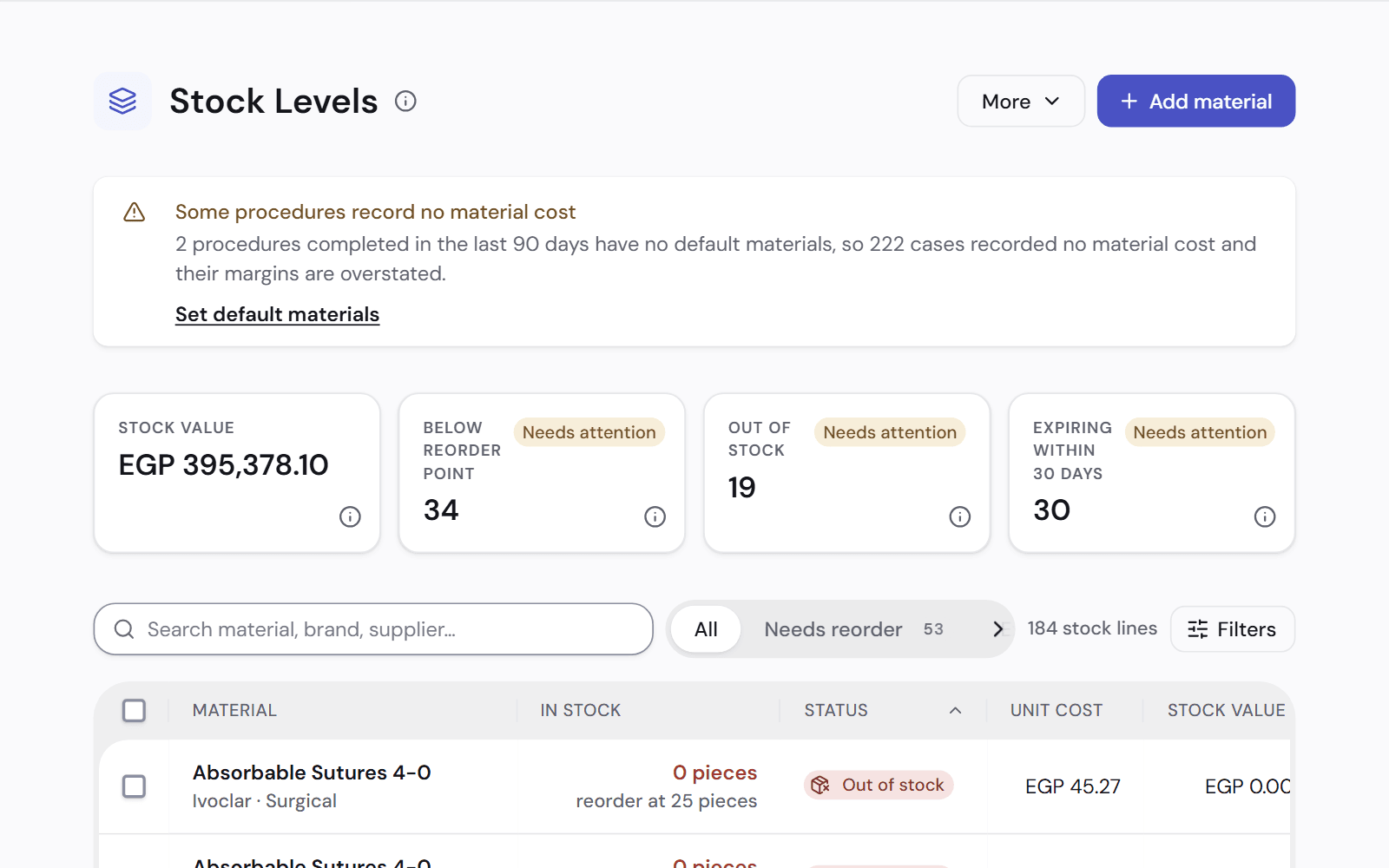
What is on the shelf, at each branch
One page shows what you have, what it is worth and what needs reordering.
- A reorder point and a critical level for each material
- Expiry dates. The batch that expires first is used first
- Each batch keeps the price it was bought at
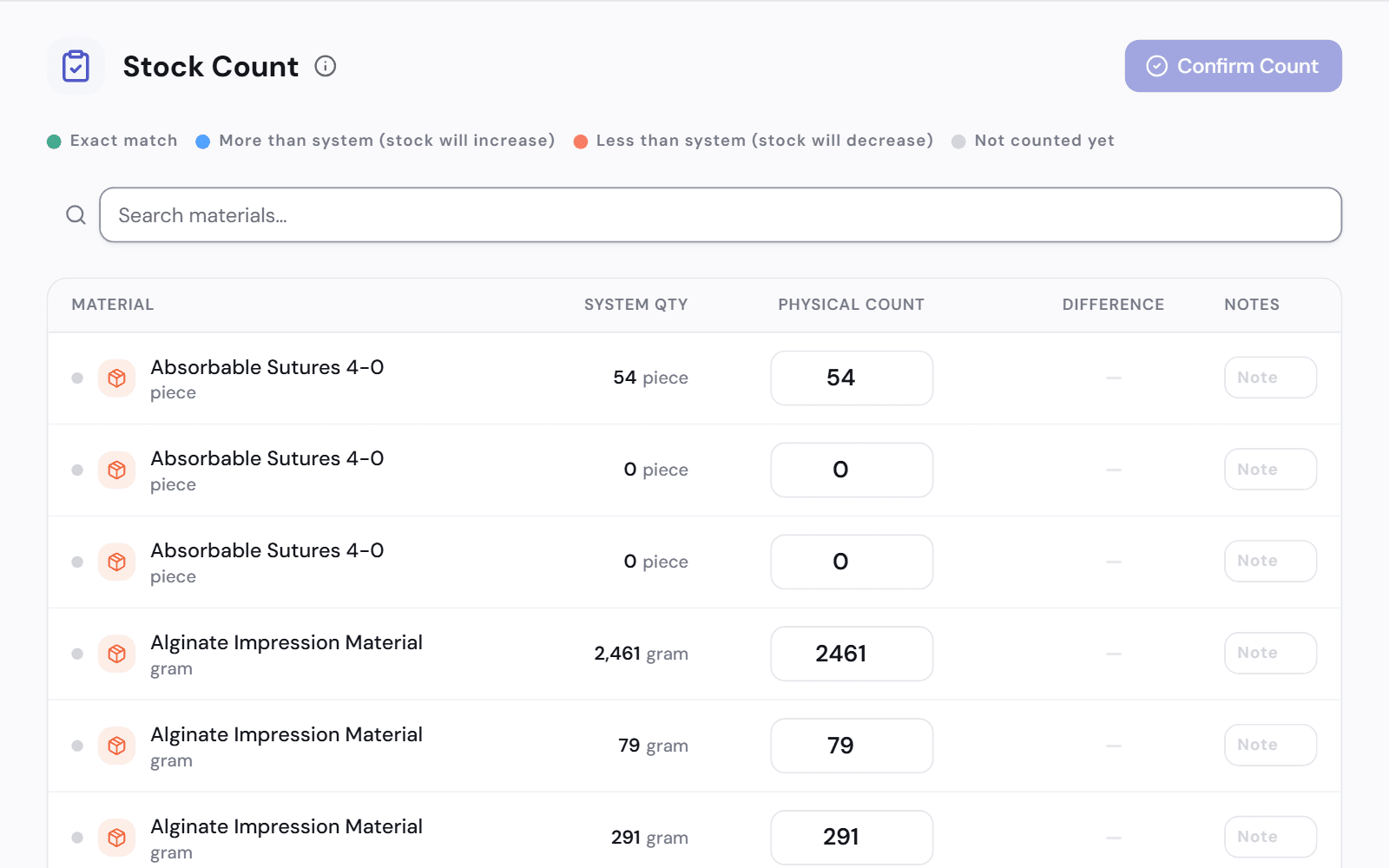
- A stock count corrects the records to what is on the shelf
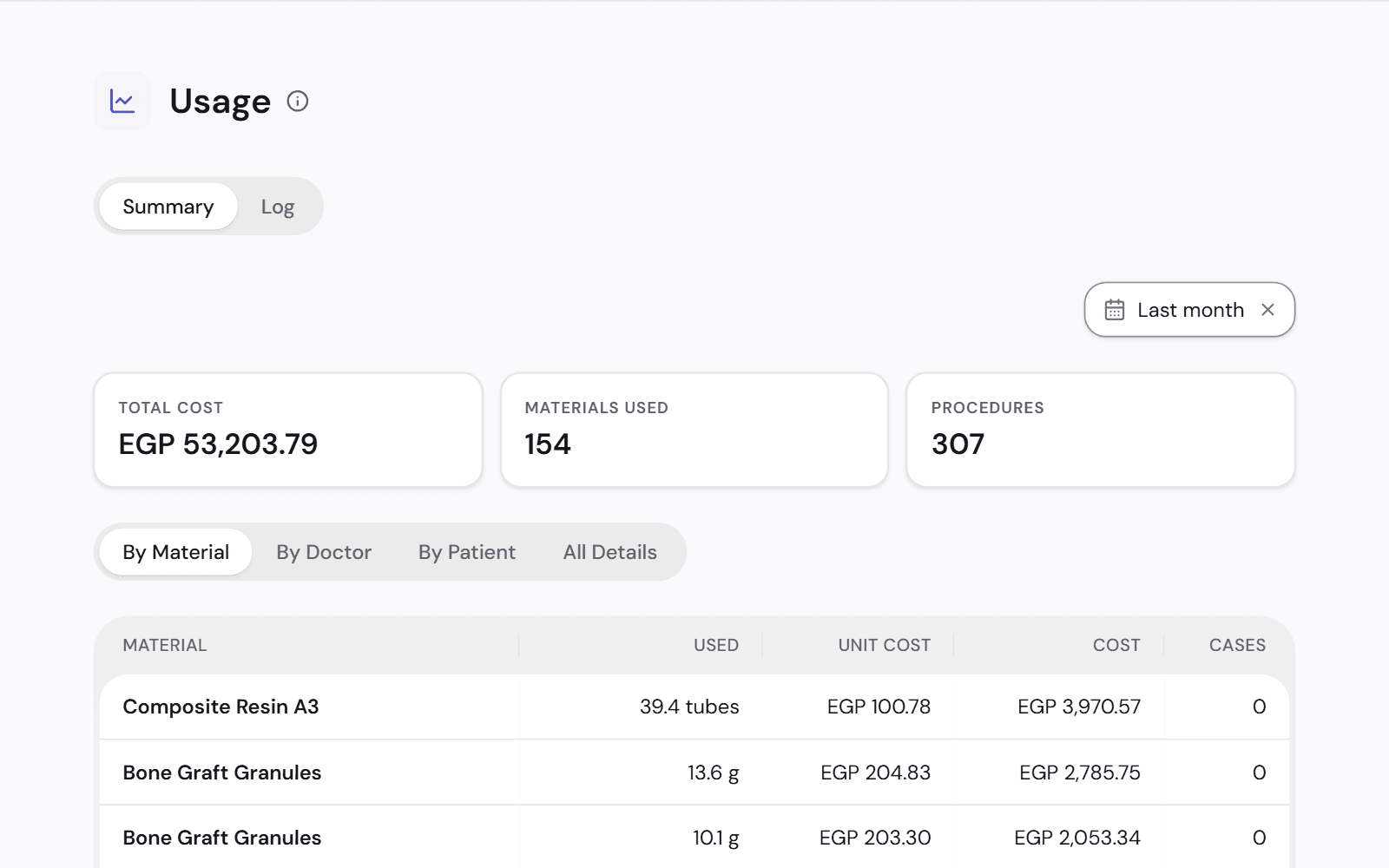
Used on a patient, counted in the profit
The cost of what was used goes to that treatment's profit and to your profit and loss.
- Default materials for each procedure
- The dentist can change what was used when completing it
- If the records show a shortage, you say what happened and the treatment still completes
- Usage by treatment, dentist and patient
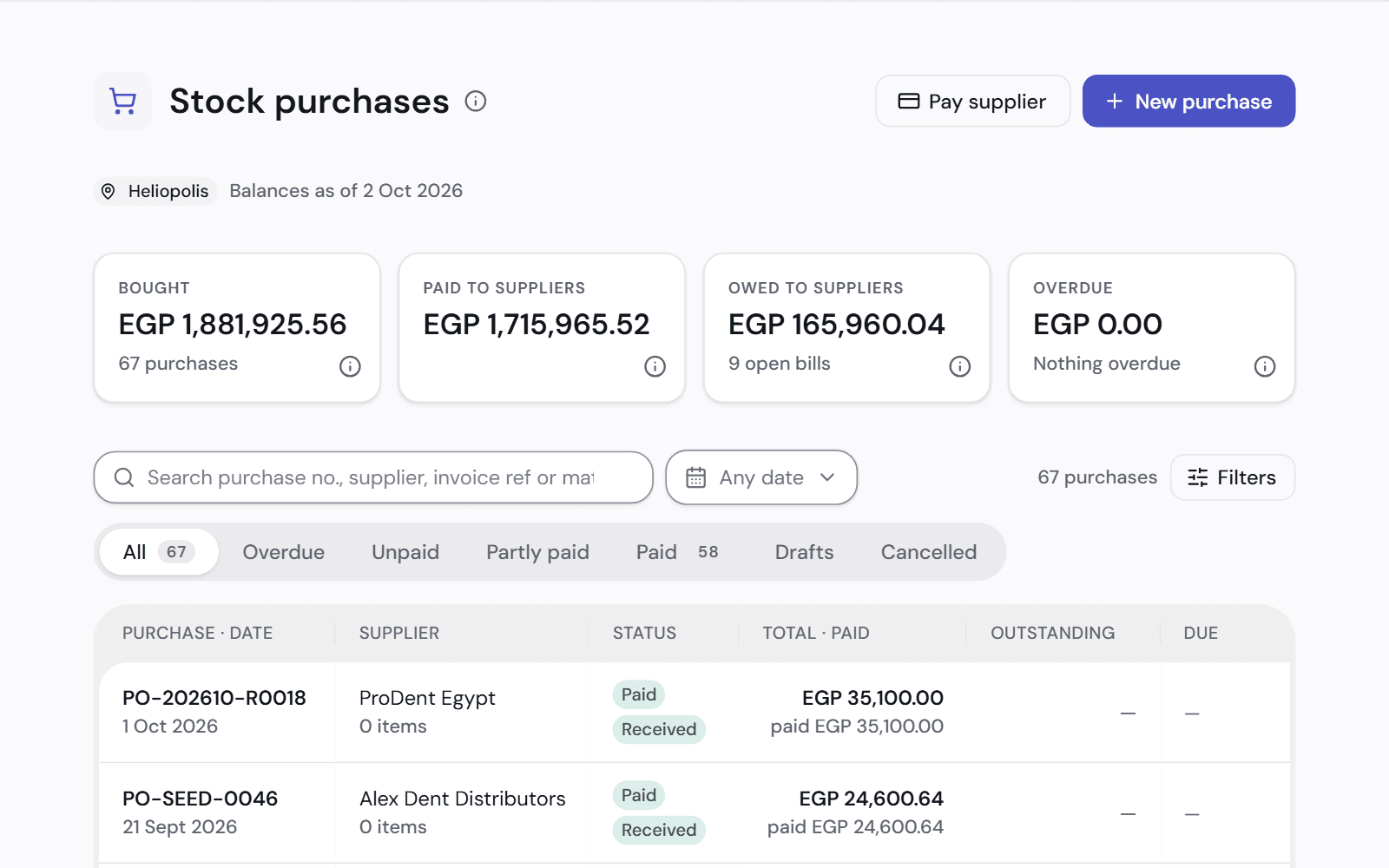
Purchases and suppliers
Enter the supplier's bill and the stock goes onto the shelf. Anything bought on credit shows as owed.
- What you owe each supplier, and what is overdue
- One payment settles a supplier's oldest bills first
- Stock you buy is an asset. It becomes a cost when it is used
- If a branch runs short, see which other branch has it
Works with
Profit per treatment
See what each treatment earns after its materials and lab work.
See how it worksFinance and accounts
What you earned, what you collected and what you are owed, in plain words.
See how it worksBranches and currencies
Run every branch from one account, each in its own currency.
See how it works
See it on a clinic like yours.
A 30-minute video call, in Arabic or English, on a demo clinic full of data.