
X-rays and photos
X-rays land on the right patient's file.
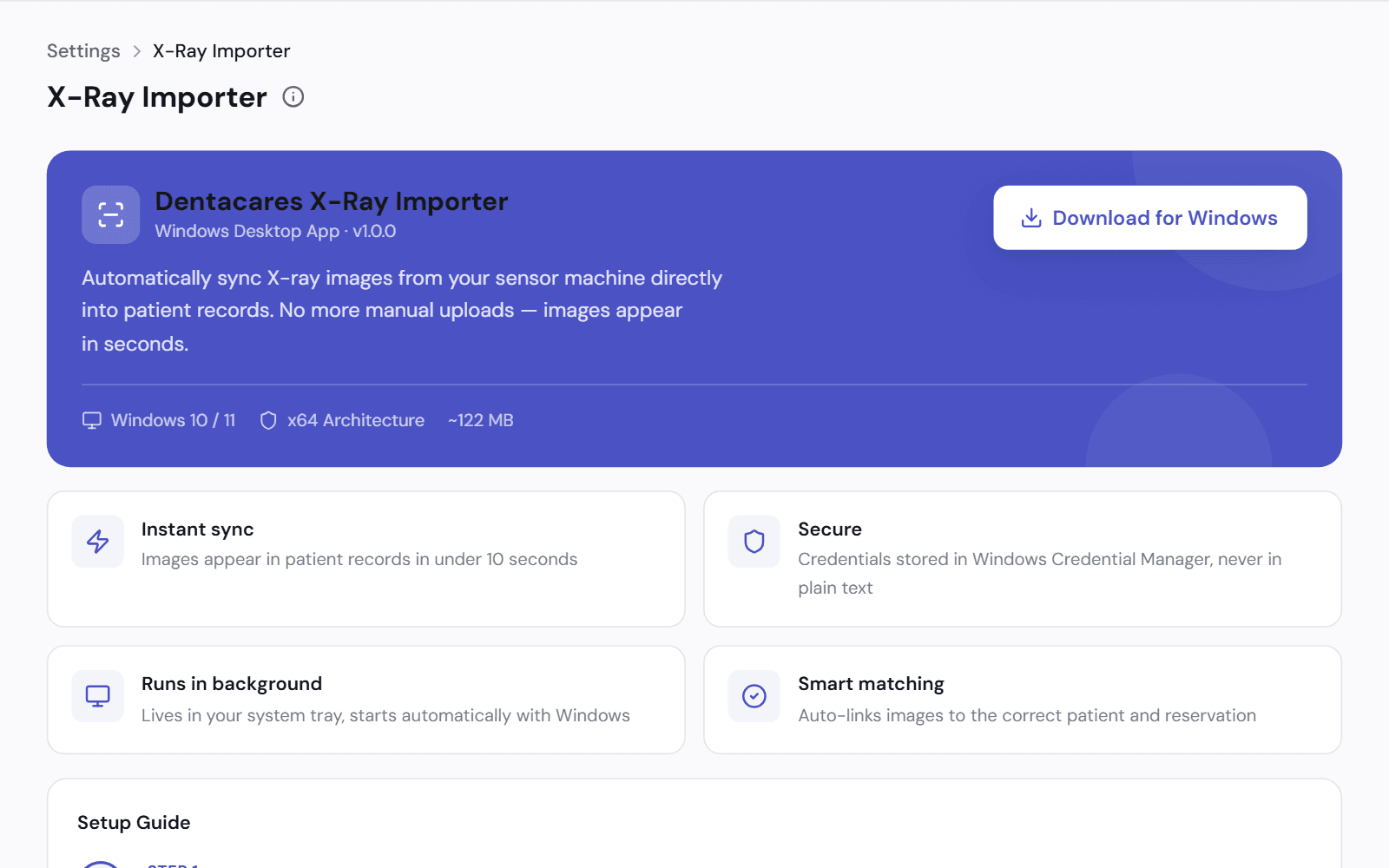
A small desktop app takes each new image from your X-ray sensor and files it on the patient. Nobody drags files between folders.
From the sensor to the file
Install the importer on the computer connected to your sensor. It matches each image to the patient by the code your X-ray software uses.
- Download it from Settings. It runs on Windows
- Each patient has an X-ray sensor code
- New images are filed without anyone uploading them
On the file, and attached where they are needed
Every image sits on the patient's Photos tab. The lab and the insurer both ask for images, so you attach them to the case or the claim.
- Add photos from any device
- Open an image and write or draw on it
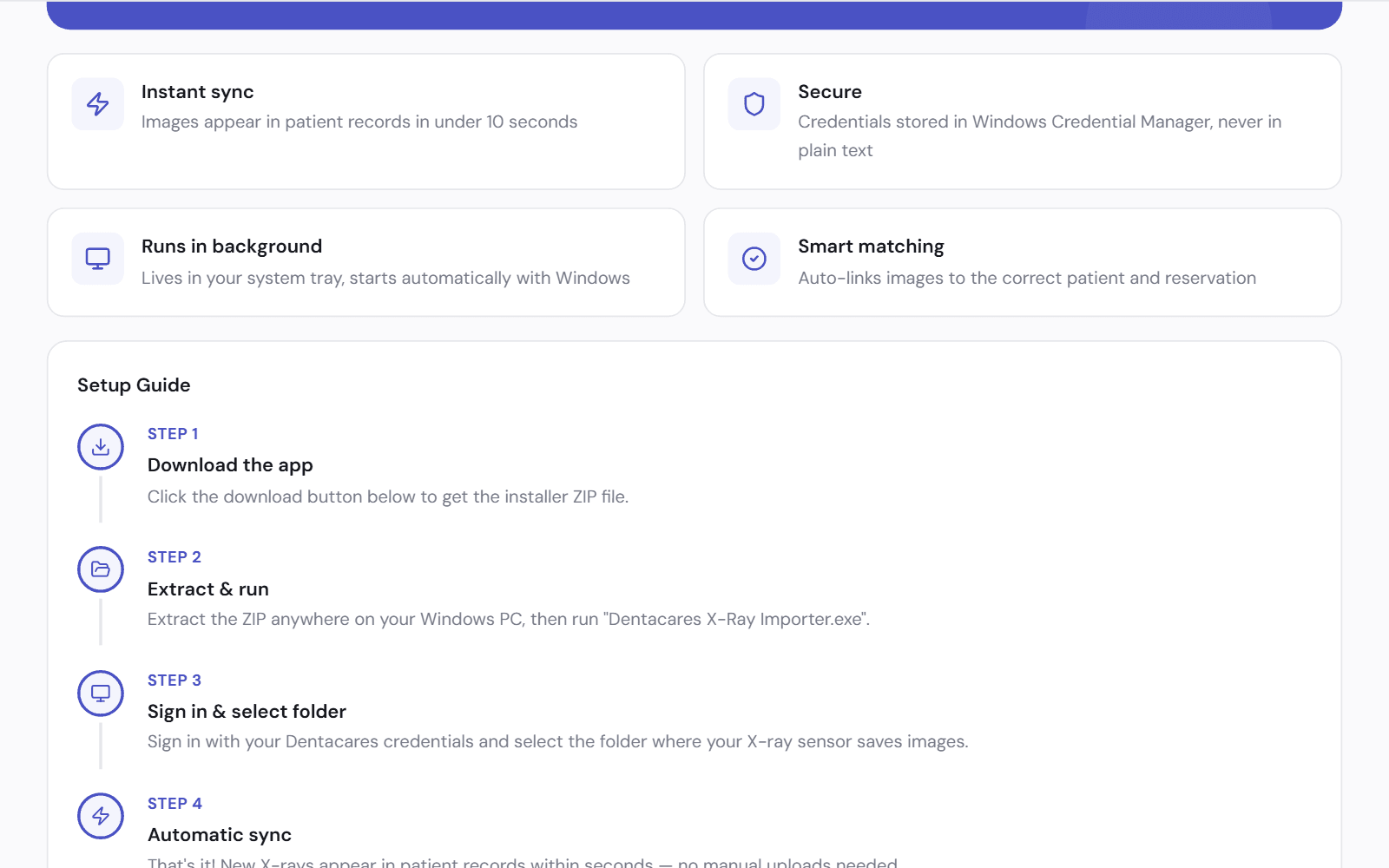
- Scans, photos and X-rays on the lab case
- A claim with no attachments is flagged before you send the batch
Works with
Patient file
Medical history, treatment plans, images and payments in one file for each patient.
See how it worksLab tracking
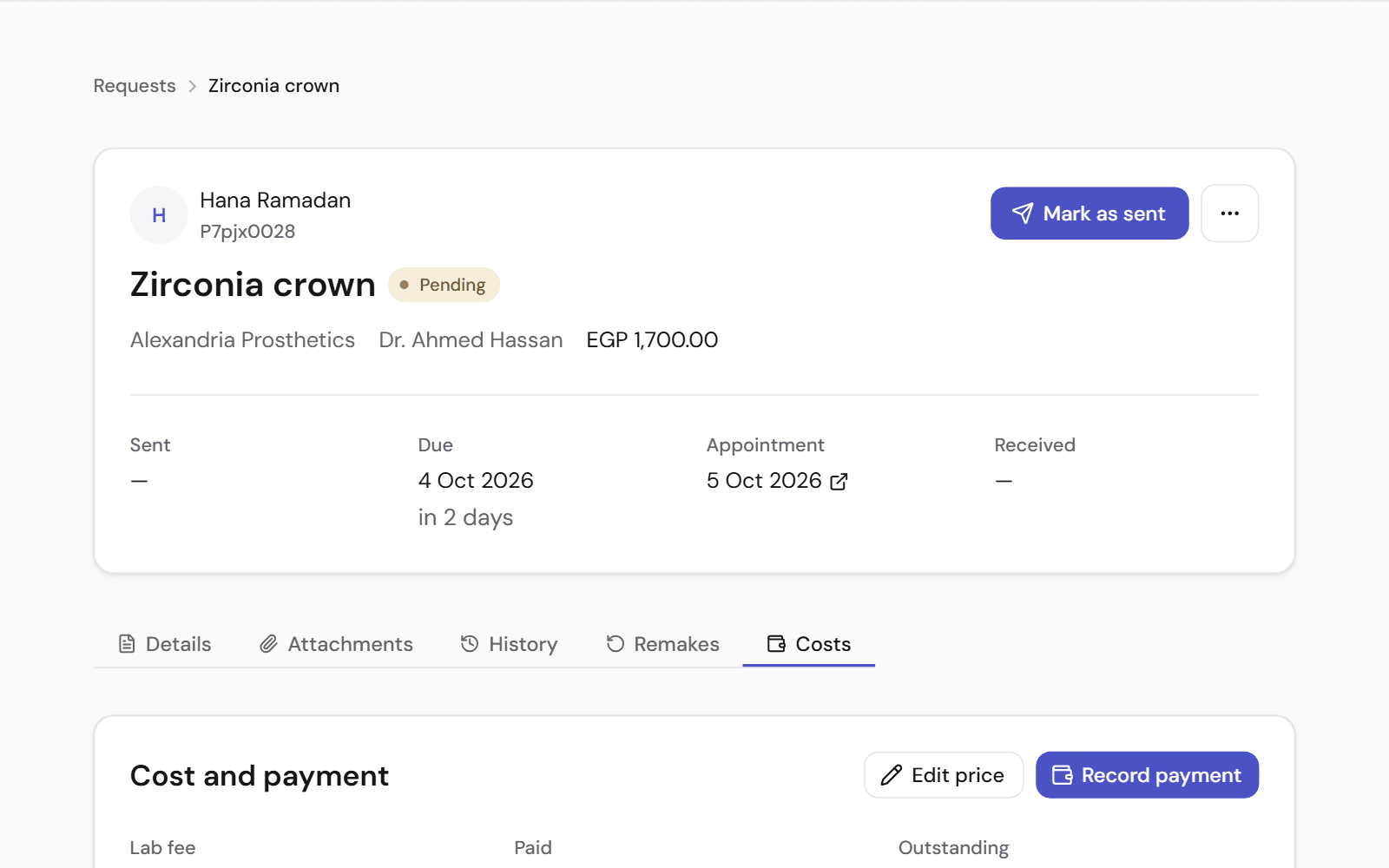
Know before the patient arrives whether the crown is back from the lab.
See how it worksInsurance claims
A claim for each visit, a monthly batch for each insurer, and payments matched to it.
See how it works
See it on a clinic like yours.
A 30-minute video call, in Arabic or English, on a demo clinic full of data.