
Team and permissions
Each person sees only what they need.
The receptionist books and collects. The dentist treats. The accountant sees the money. You decide who sees what.
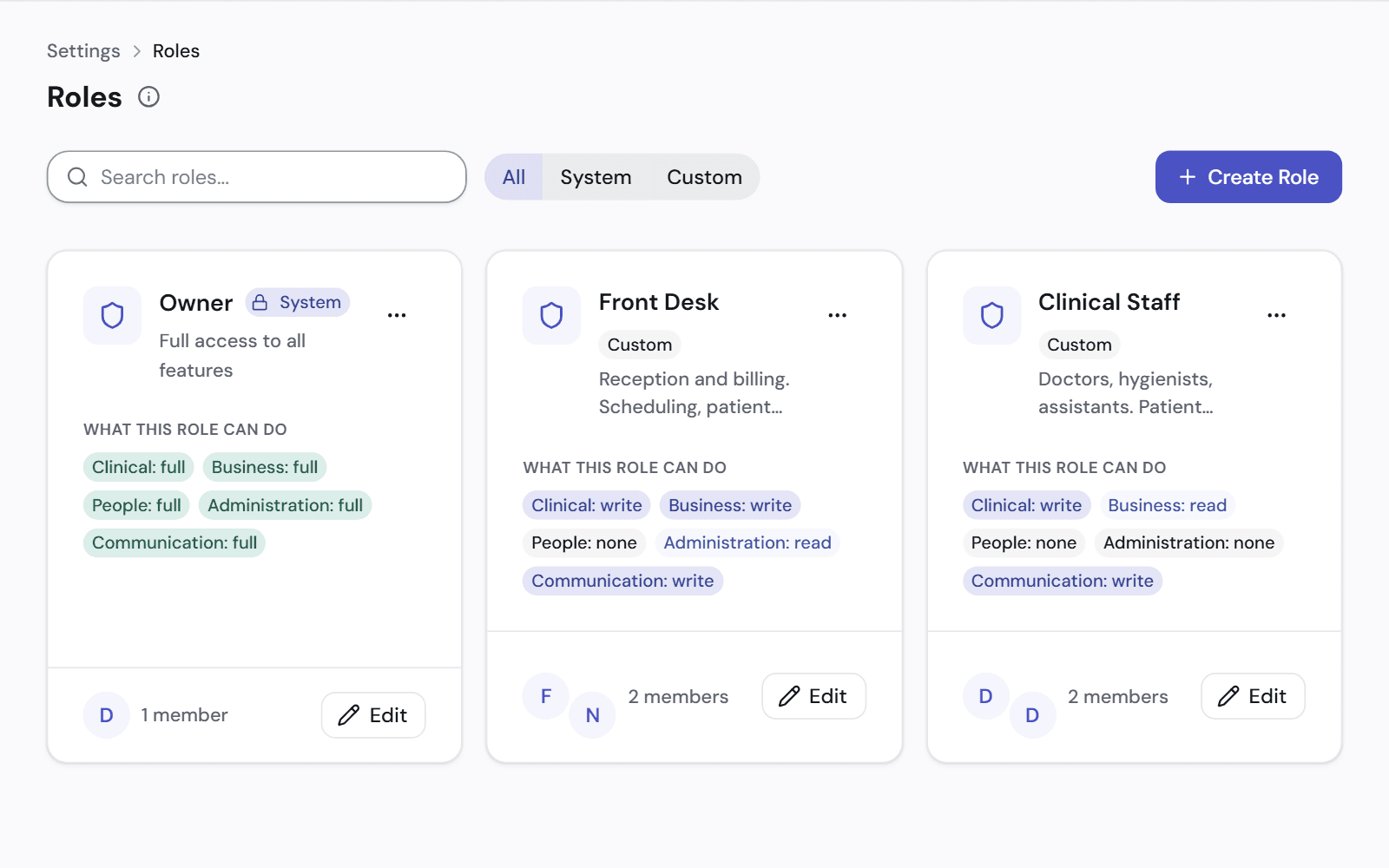
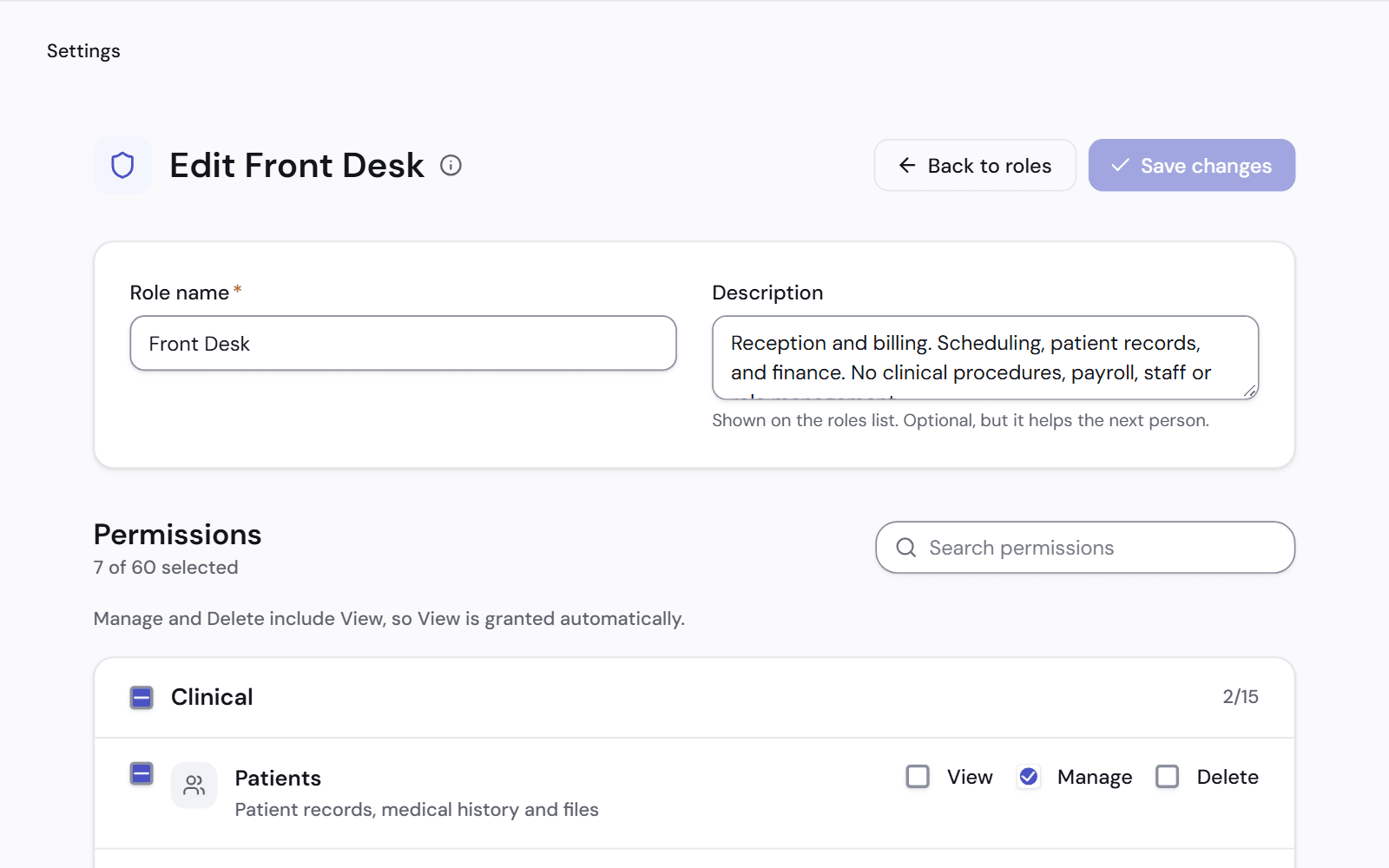
Roles you can change
Start from the ready roles, or make your own. Each one says what it can view, change and delete.
- Patients, appointments, lab, finance, payroll and settings, each on its own
- Salaries are visible only to roles you allow
- Money figures are hidden from anyone without the finance permission
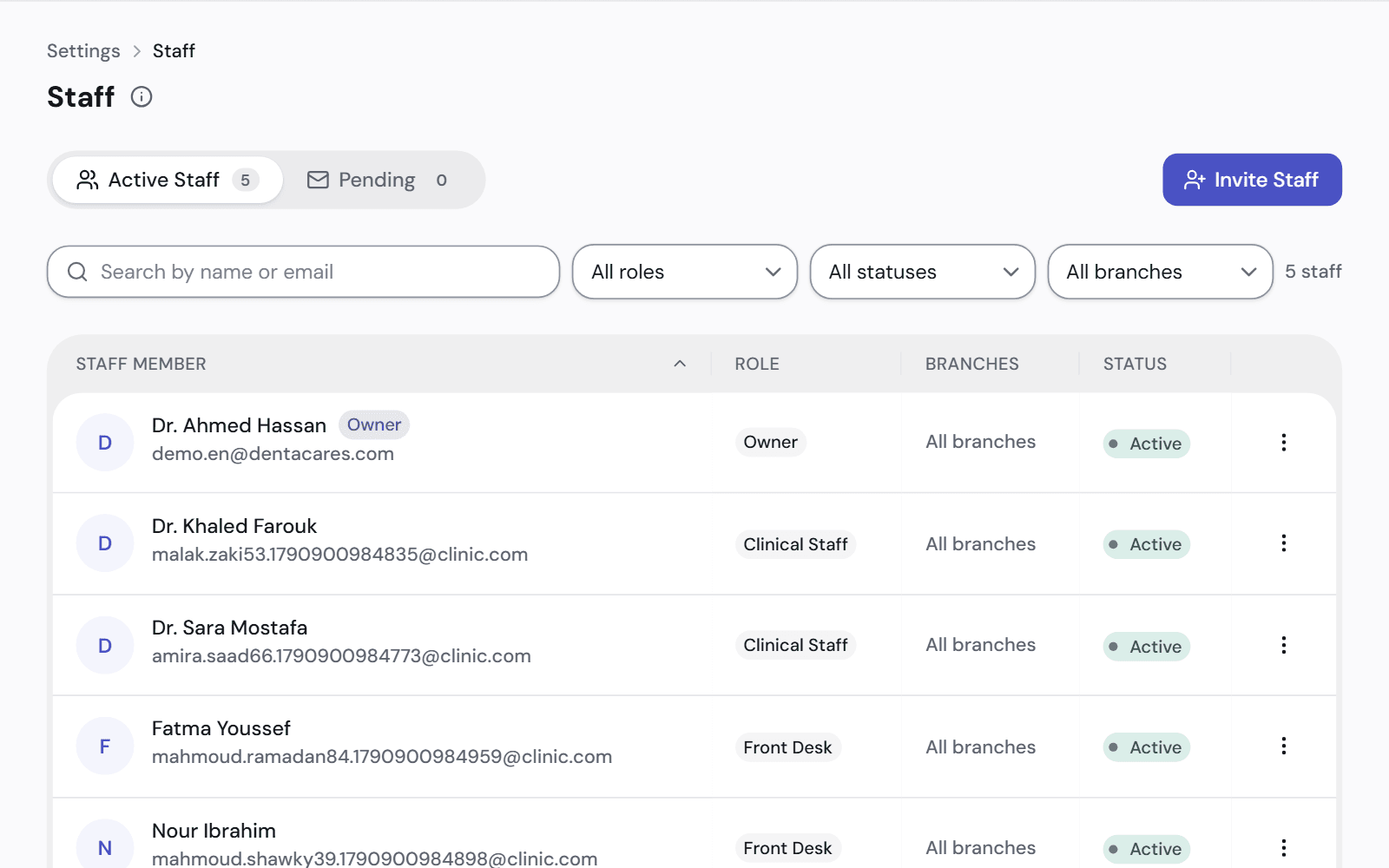
Add and remove people safely
Invite someone by email. When they leave, turn off their account and keep their records.
- Working days and hours for each person
- A deactivated account can't sign in, from that moment
- Their past appointments, treatments and payments stay as they were
- You are told about their upcoming appointments before you deactivate them
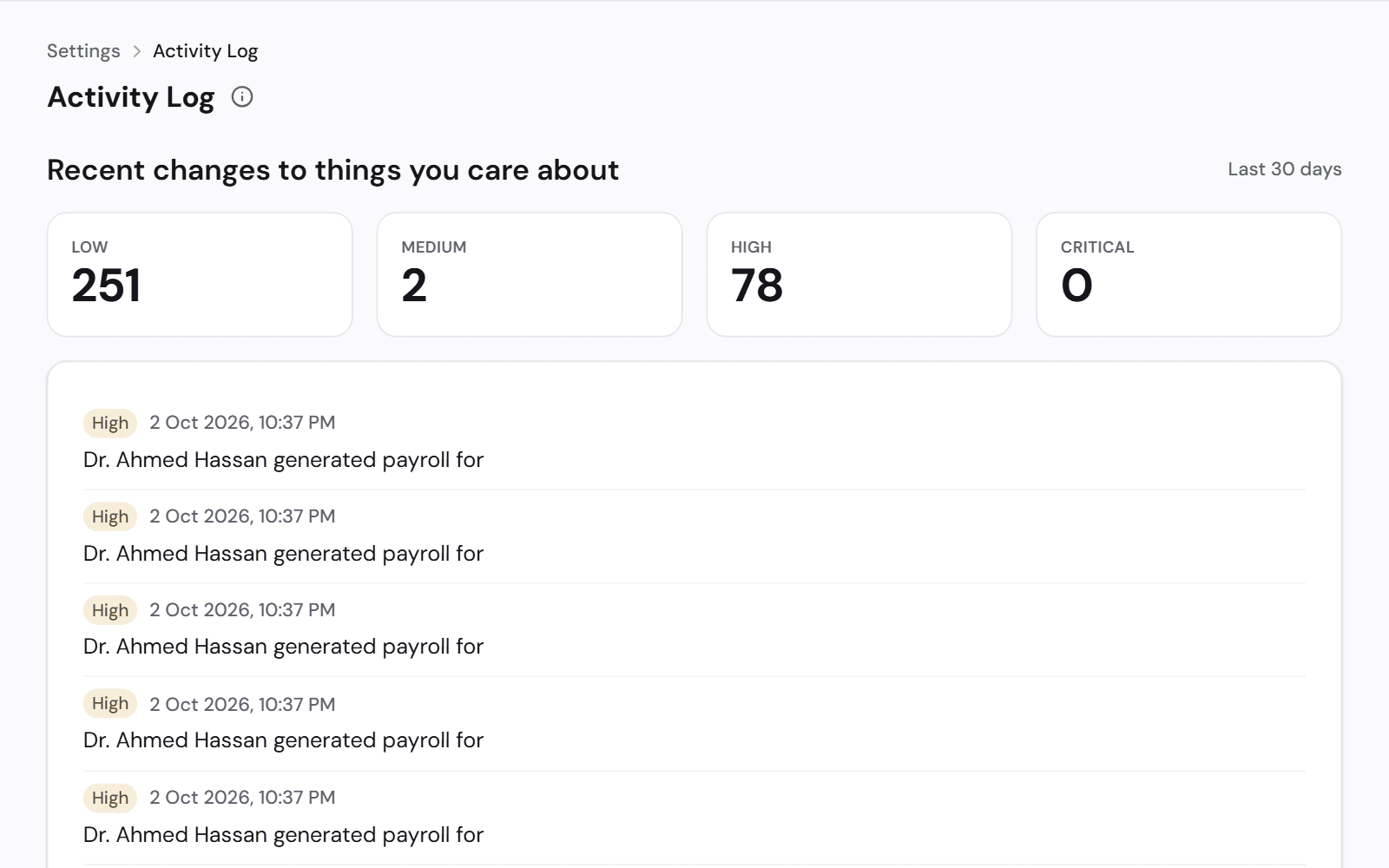
See who changed what
The activity log writes each change as a sentence, with the person and the time.
- Payments, refunds and transfers
- Price and permission changes
- Edits to a patient's medical history
- Attempts that were refused
Works with
Payroll and commission
Salaries and each dentist's percentage are calculated for you.
See how it worksBranches and currencies
Run every branch from one account, each in its own currency.
See how it worksData import
Bring your patients, income and expenses from Excel. Review every row before it is saved.
See how it works
See it on a clinic like yours.
A 30-minute video call, in Arabic or English, on a demo clinic full of data.