
Patient QR card
 Patient QR card
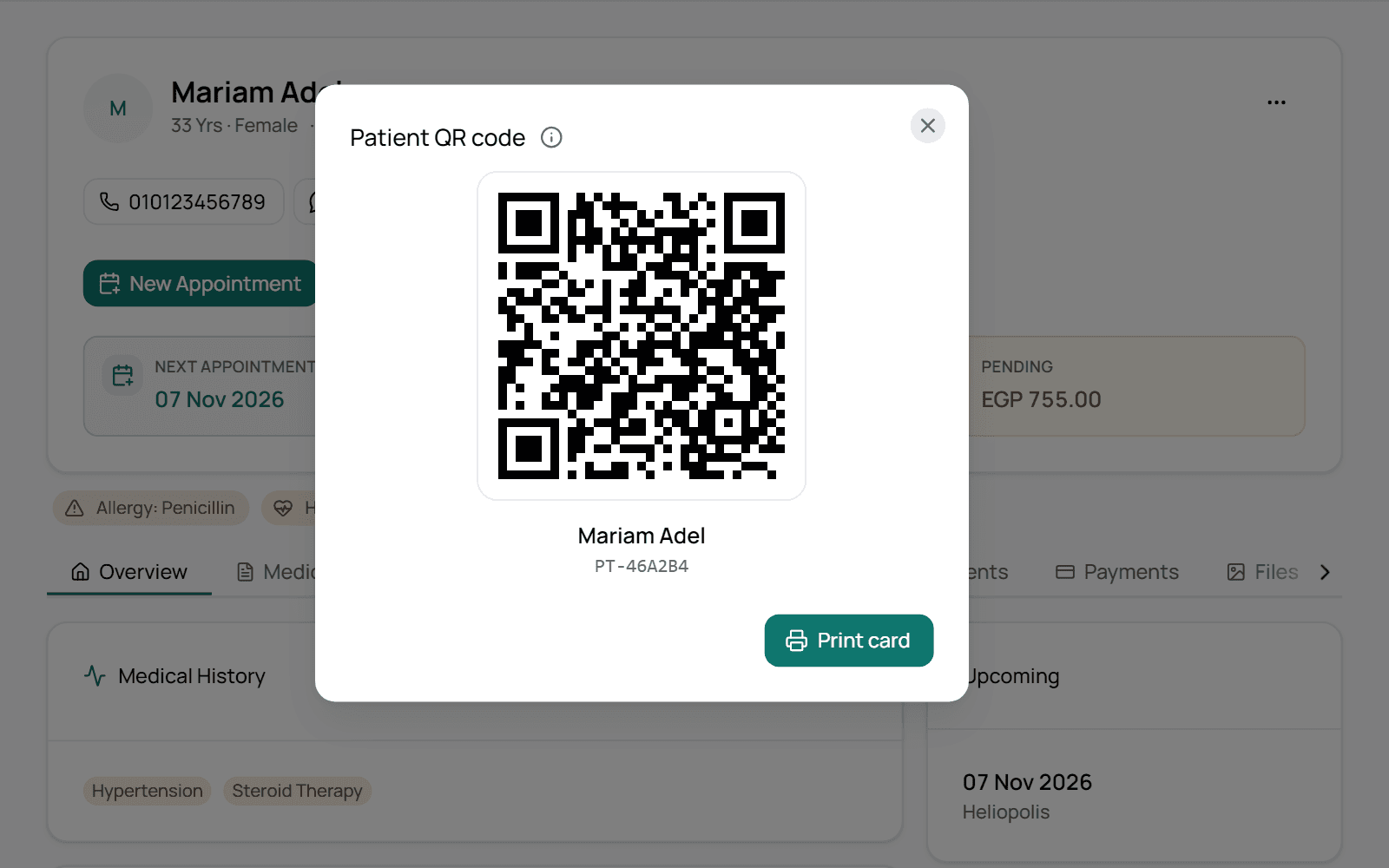
Scan the card. The patient's file opens.
Every patient has one QR code that never changes. Reception stops searching through similar names, and nobody opens the wrong file.
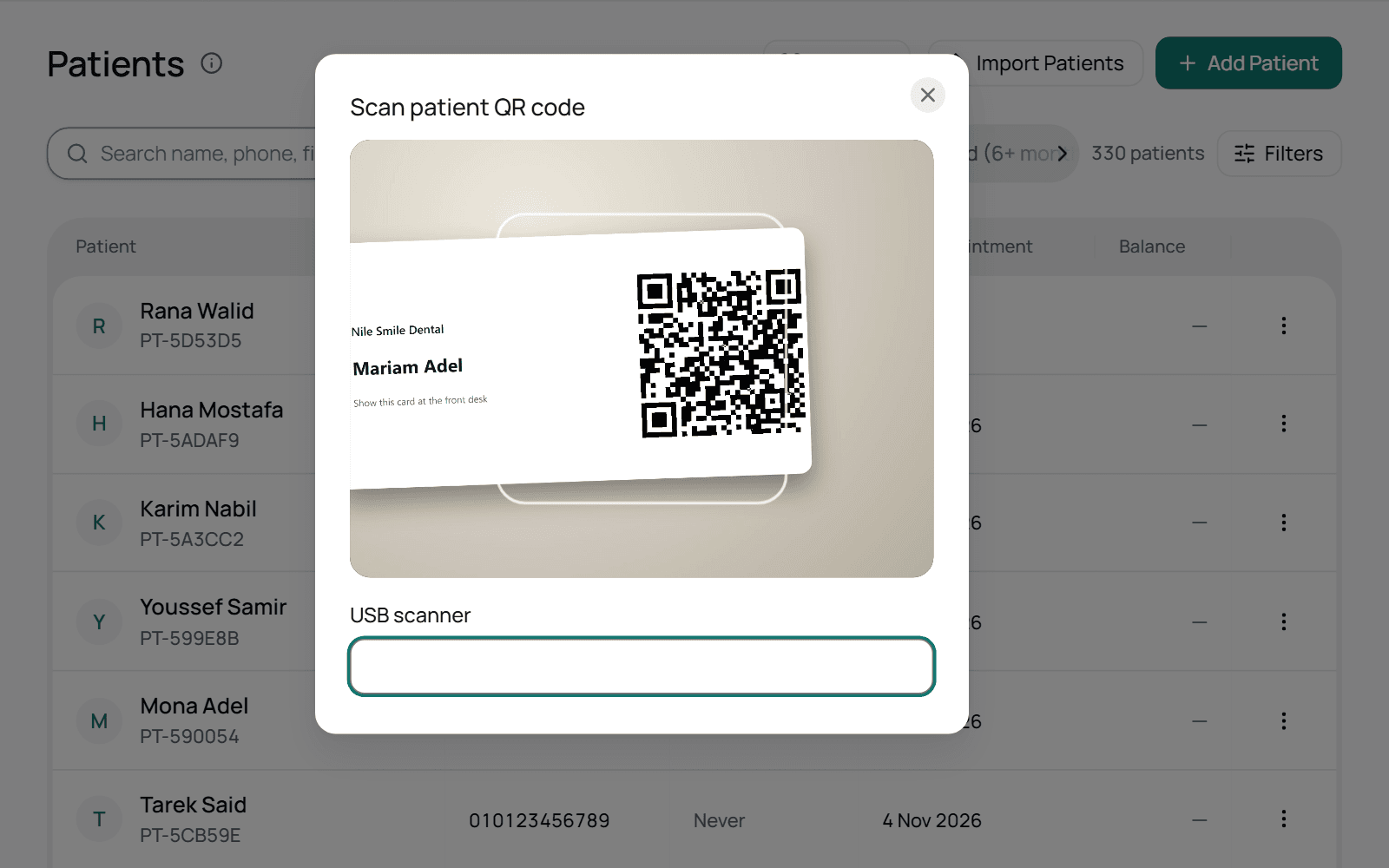
A card the patient keeps
Print it at bank-card size or send it on WhatsApp as a PDF. The patient shows it at the front desk on every visit.
- Your clinic's name and logo on the card
- Only the patient's name and file code
- No phone number, birth date or medical details
- The code never changes, so an old card keeps working
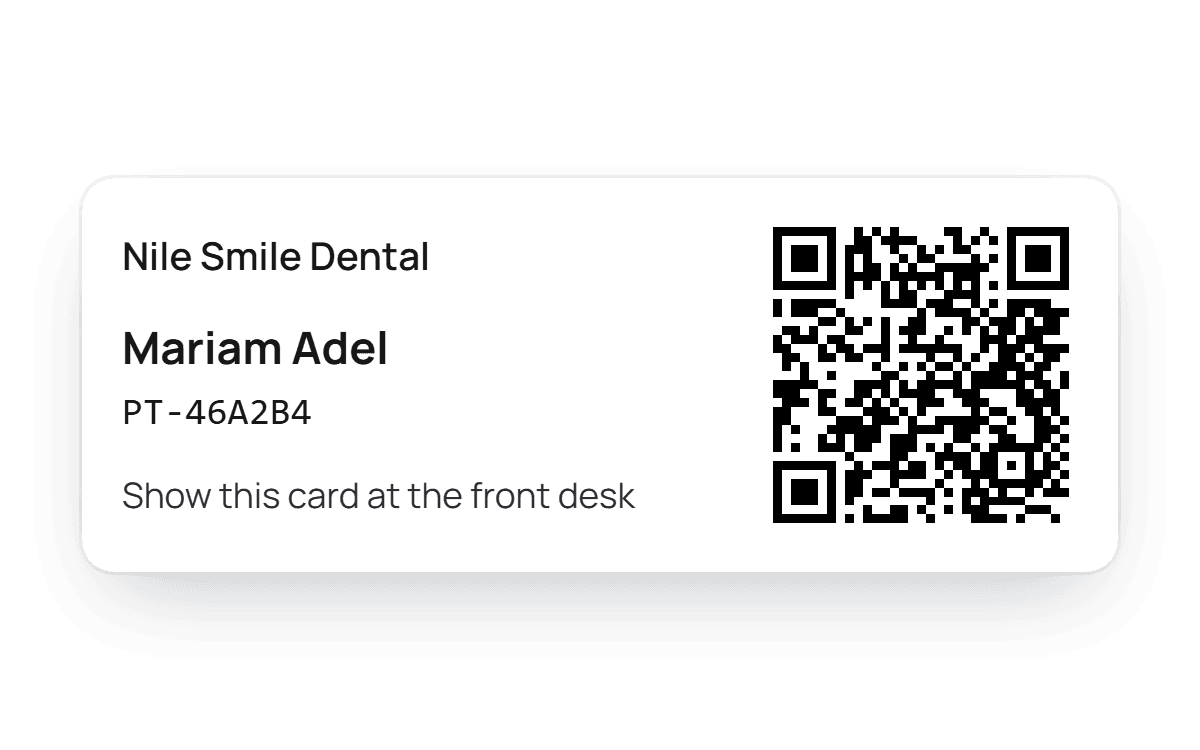
Use a camera or a USB scanner
Use the camera on a laptop or phone, or plug in a USB scanner. There is no extra hardware to buy if you don't want it.
- The file opens as soon as the code is read
- A USB scanner works with the keyboard set to Arabic or English
- If two files were merged, the old card opens the one you kept
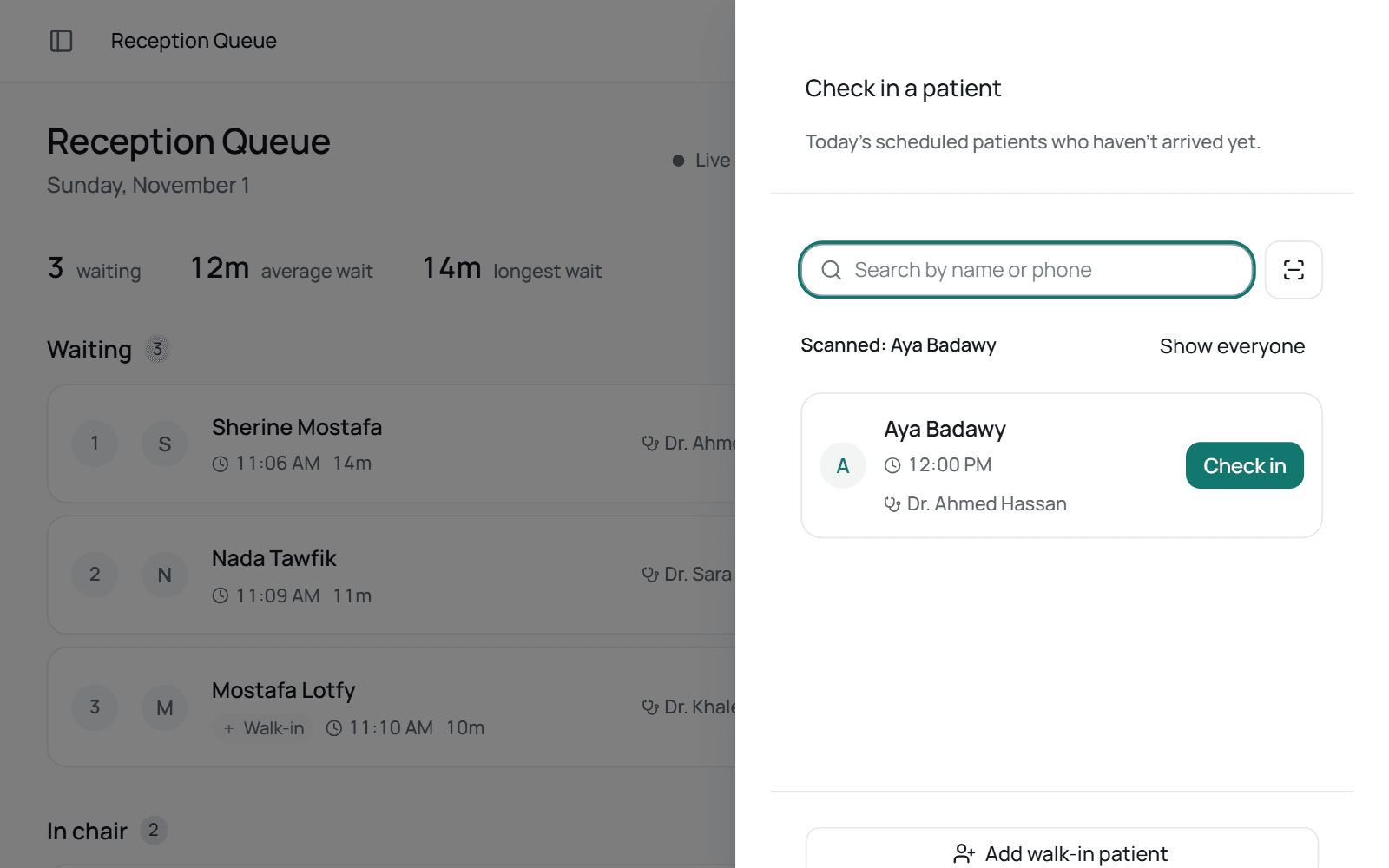
Check in with one scan
Scan the card in the check-in panel and the list narrows to that patient's appointment today. Reception confirms with one click.
- A scan finds the appointment, and a person still checks the patient in
- It says so when the patient has no appointment today
- It says so when the patient is already in the queue
A lost card opens nothing
The code holds a link and nothing else. Whoever scans it needs a staff login at your clinic to see anything.
- Someone who is not signed in sees the login page
- Staff at another clinic are told the patient is not theirs
- No personal or medical data inside the code
Works with
Queue and waiting room
Check patients in, see who is waiting and for how long, and call the next one.
See how it worksMedical history by QR
The patient scans a code and fills in the medical history on their own phone.
See how it worksPatient file
Medical history, treatment plans, images and payments in one file for each patient.
See how it works


See it on a clinic like yours.
A 30-minute video call, in Arabic or English, on a demo clinic full of data.